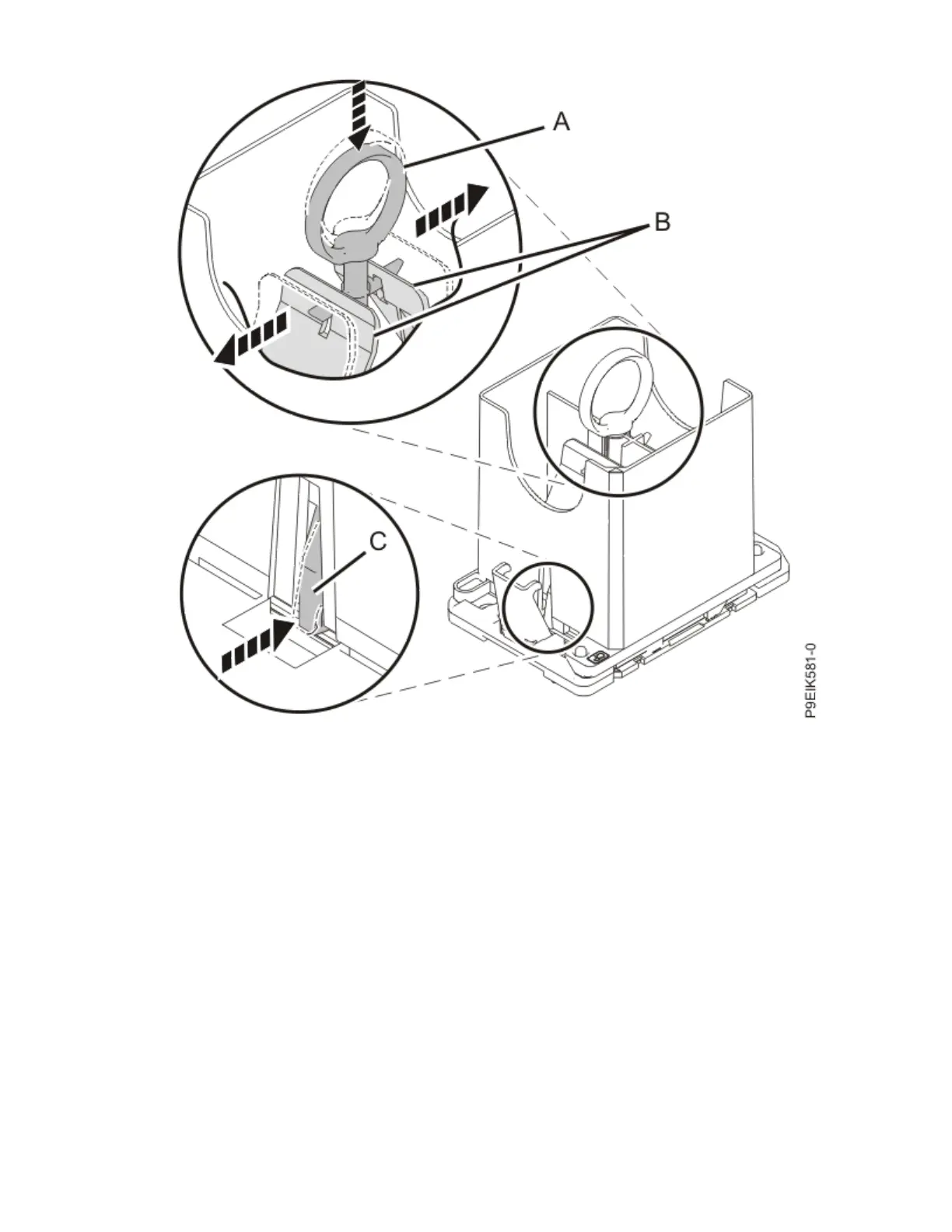
Figure 99. Locking the system processor module into the tool
8. Holding the outside of the tool, lift the tool and system processor module from the socket. Place them
at an angle in the top cover of the system processor module packaging, as shown in the following
gure.
Note: Set the tool and system processor module at an angle on the top cover of the system processor
module packaging. That makes the module easier to pick up and place into the package.
112
Power Systems: Servicing the IBM Power System IC922 (9183-22X)



 To Next Page