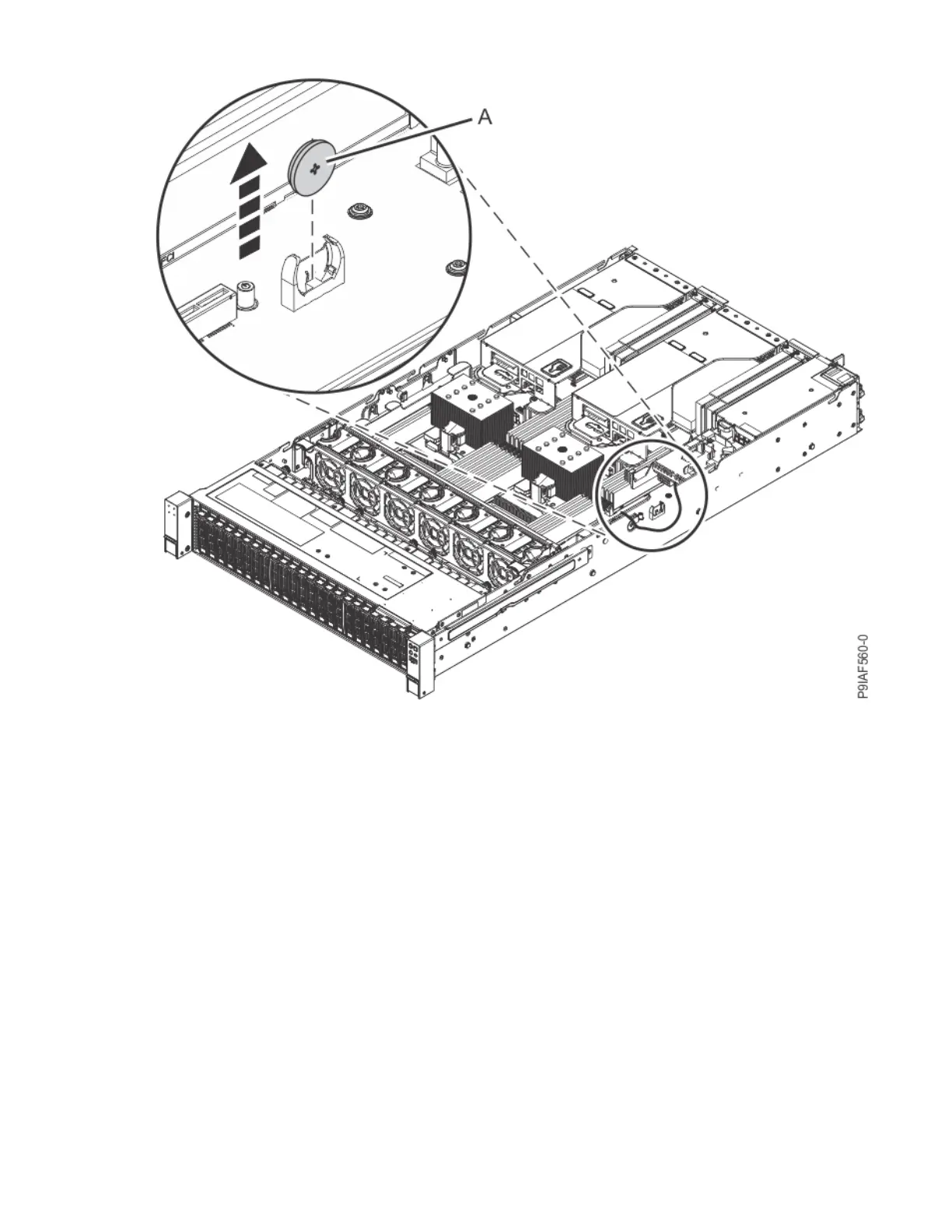
Figure 117. Removing the time-of-day battery from the system backplane
Replacing
4. Insert the time-of-day battery in the slot on the system backplane as shown in the following gure.
Insert the bottom of the battery into bottom of the holder, then rotate the battery into the holder.
Ensure to insert the battery with the correct polarity as recorded during removing of the battery.
130
Power Systems: Servicing the IBM Power System IC922 (9183-22X)



 To Next Page