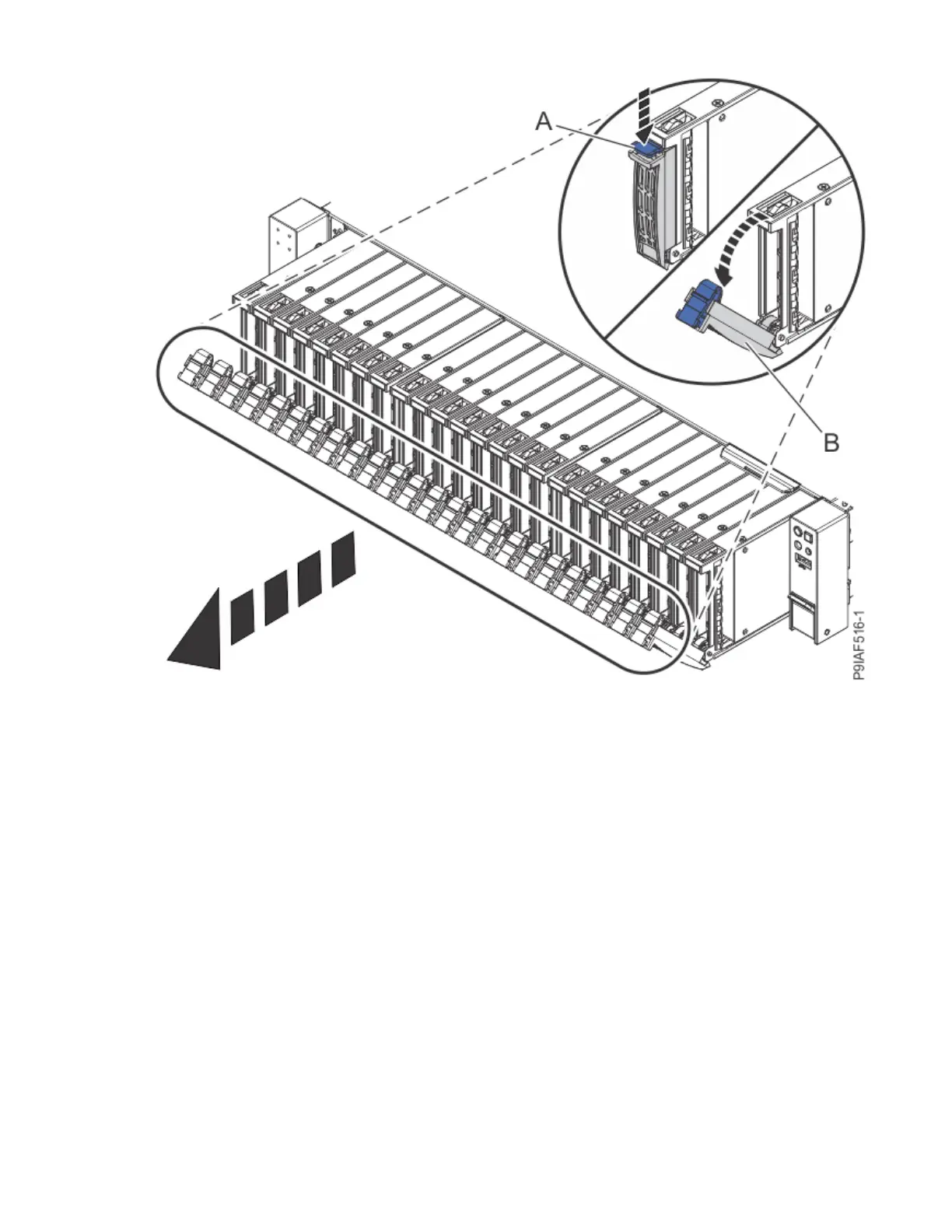
Figure 1. Partially removing the front drives
a) Push the drive tab (A) to release the drive lever (B).
b) Using the drive lever, pull the drive about 2.5 cm (1 in) from the system.
4. Label the front drive cables and power cables. Press the cable connector latchs and disconnect the
front drive cables and the power cable from the drive backplane as shown in the following gure.
Be sure to unlatch the cables from the connectors. Do not pull in the cables themselves; unplug the
cables by using the connectors.
4
Power Systems: Servicing the IBM Power System IC922 (9183-22X)



 To Next Page