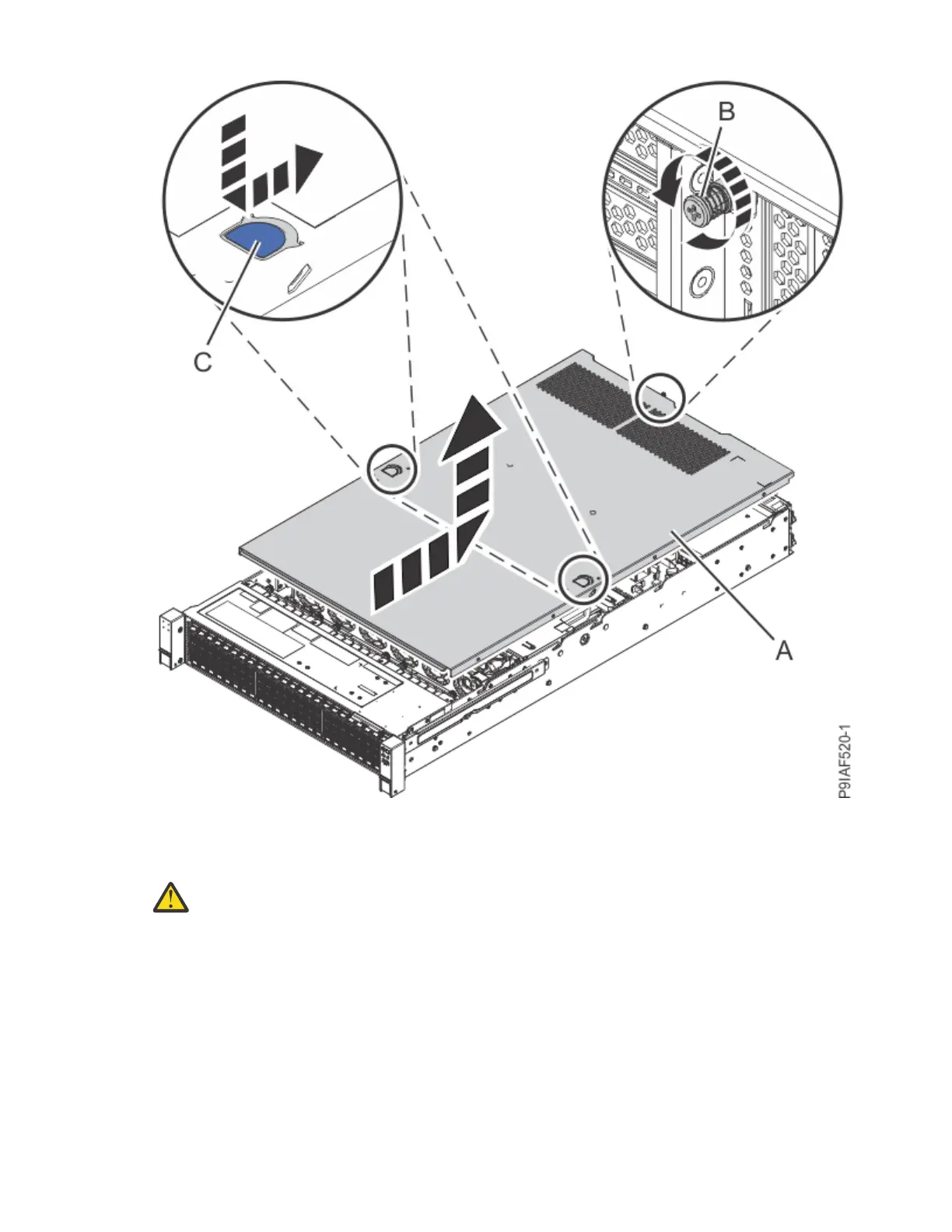
Figure 10. Removing the cover
5. To remove a fan, press in the latch at (A), grasp the fan at (B), and lift the fan from the system as
shown in the following gure.
Attention:
When the system is powered on, a fan can be unplugged for only 20 seconds before
the system shuts down. Once you unplug a fan, you have 20 seconds to replace the fan.
16 Power Systems: Servicing the IBM Power System IC922 (9183-22X)



 To Next Page