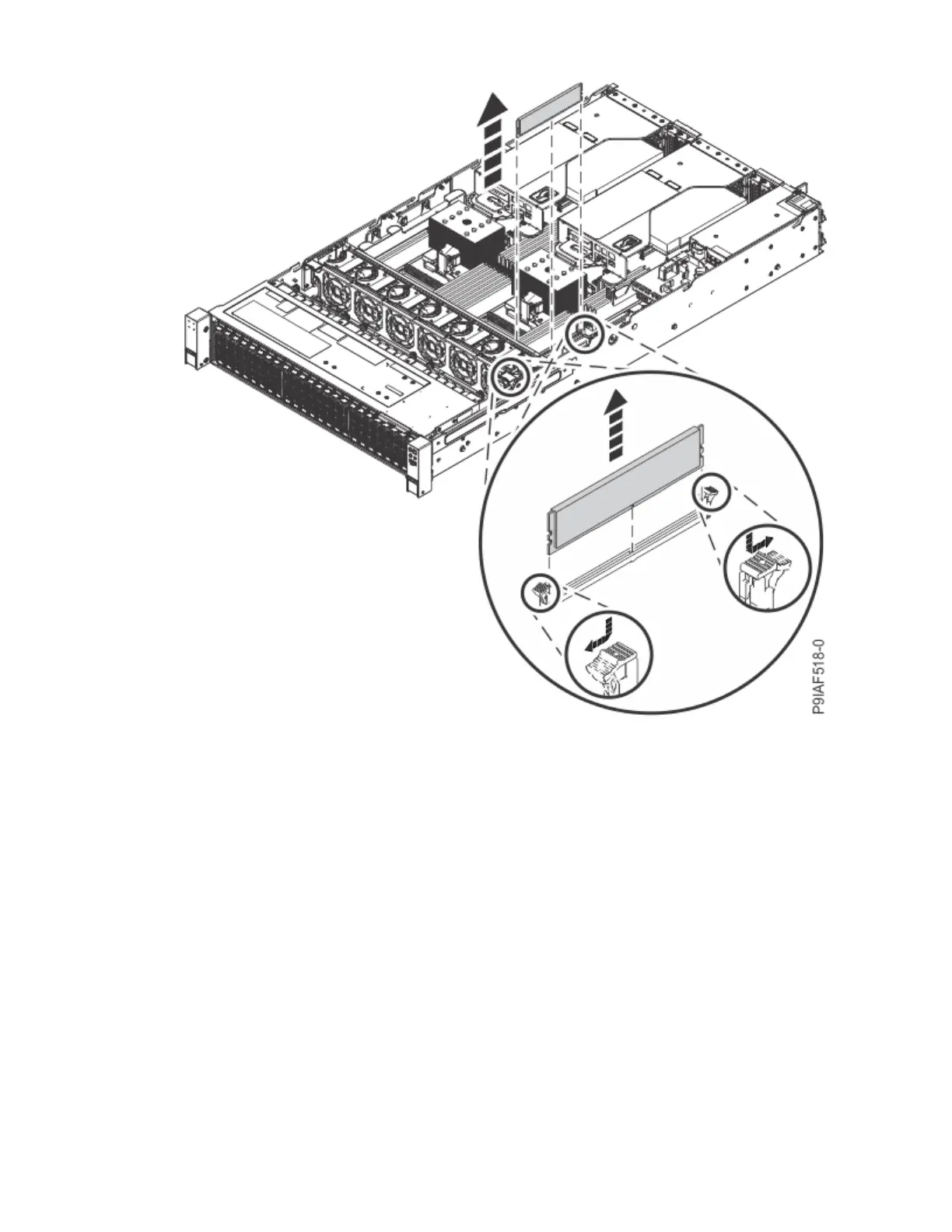
Figure 23. Removing a memory module
b) Hold the memory module by the edges and pull it out of the slot.
8. Place the memory module on an ESD mat.
Replace
9. To replace a memory module, complete the following steps:
a) Push the locking tabs to the open position, away from the slot, in the direction shown in the
following gure.
30
Power Systems: Servicing the IBM Power System IC922 (9183-22X)



 To Next Page