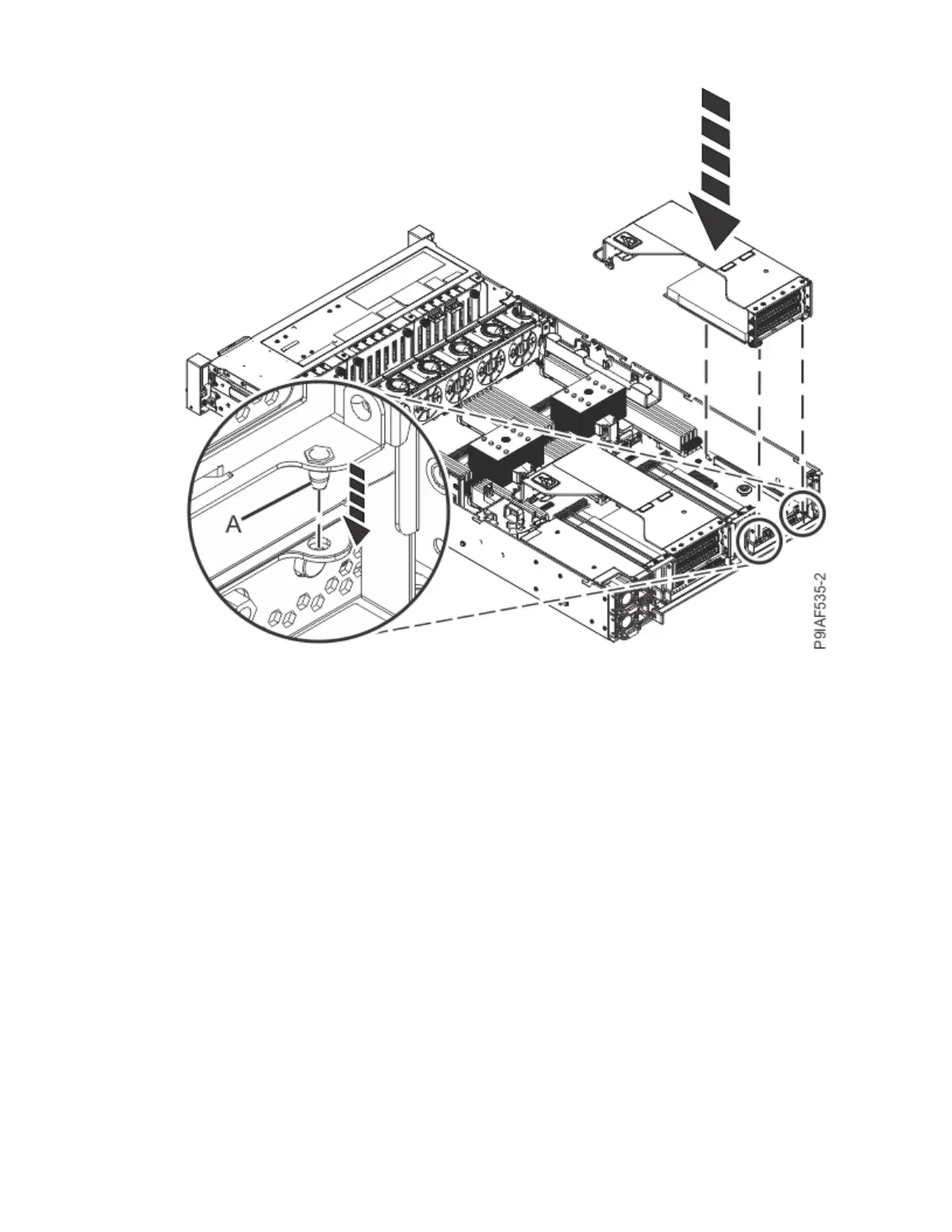
Figure 25. Inserting the PCIe adapter riser
11. If you removed the drive cable holder on the left side of the system, replace the holder by using the
following procedure.
a) Replace the drive cable holder in the system. Ensure that the alignment pins match the slots in the
holder.
b) Reset the retaining pin (A) to lock the holder in place as shown in the following gure.
32
Power Systems: Servicing the IBM Power System IC922 (9183-22X)



 To Next Page