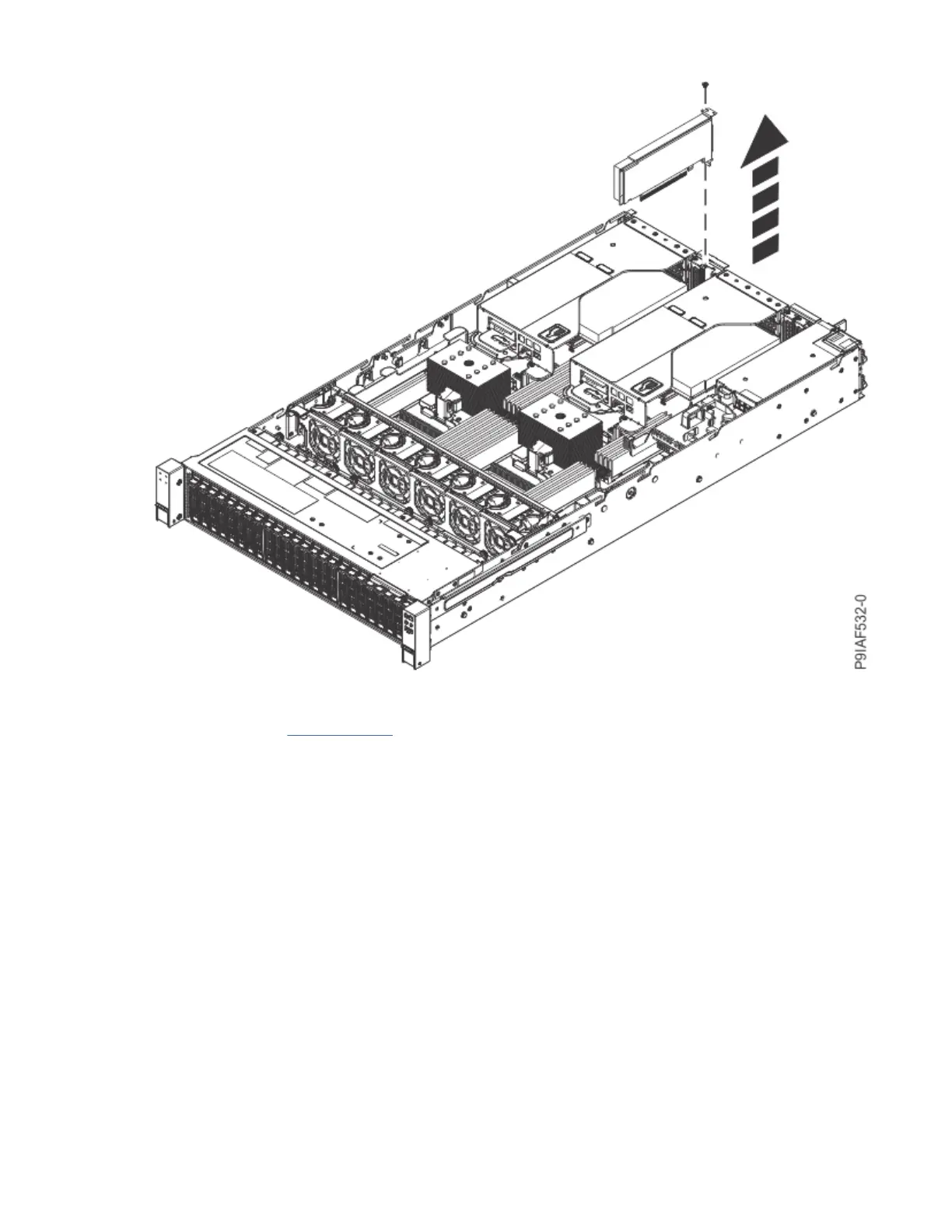
Figure 34. Removing a PCIe adapter
Continue with step “7” on page 44.
6. To remove a PCIe adapter from a PCIe riser, complete the following steps:
a) Label the PCIe riser.
b) Remove the drive cables from the drive cable holders along the sides of the system.
c) Lift the PCIe riser up, out of the system as shown in the following gure.
42
Power Systems: Servicing the IBM Power System IC922 (9183-22X)



 To Next Page