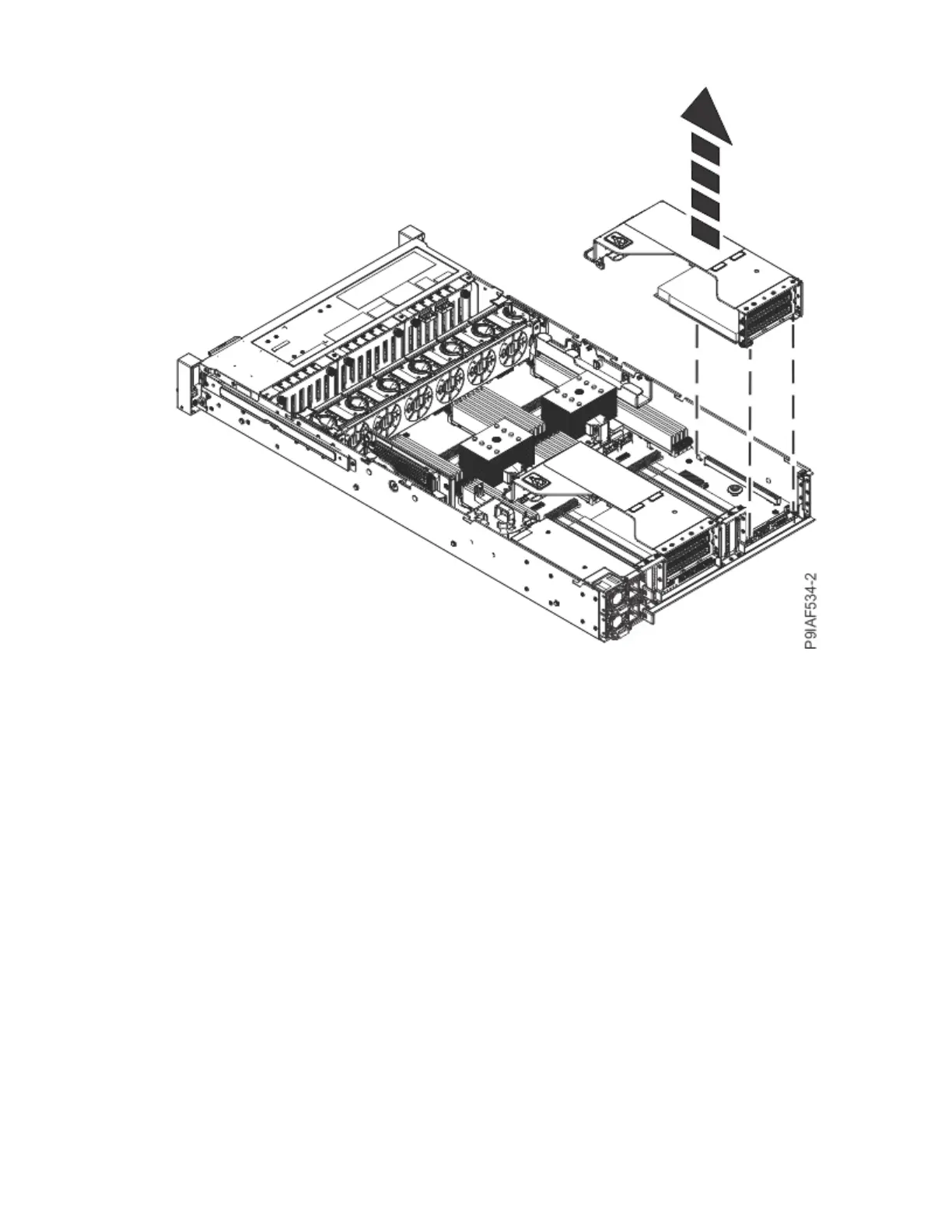
Figure 35. Removing the PCIe riser
d) If needed, label and remove any plugs or cables that extend out from the rear of the PCIe adapter.
Press the cable connector latch to unlatch the cable. Do not pull in the cables themselves; unplug
the cables by using the connector.
e) If needed, label and remove the cables from the PCIe adapter.
Press the cable connector latch to unlatch the cable. Do not pull in the cables themselves; unplug
the cables by using the connector.
f) Remove the tailstock screw using a Phillips #1 screwdriver and unplug the PCIe adapter (A) from
the riser (B) as shown in the following gure.
Removing and replacing parts in the 9183-22X
43



 To Next Page