95
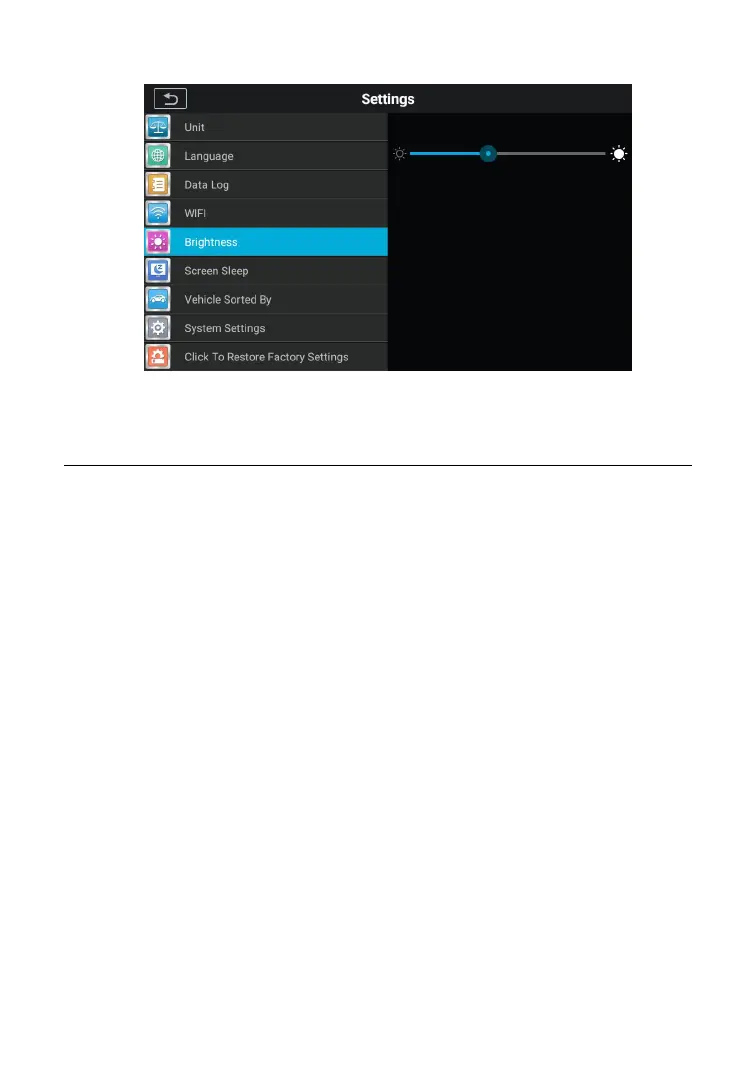
Figure 9-4 Sample brightness Setting Screen
9.6 Screen Sleep
This option allows you to modify the screen lock time setting for the
To adjust the Screen Sleep setting
1. Tap the Settings application on the CR MAX Job Menu.
2. Tap the Screen Sleep option on the left column.
3. Select the required screen sleep time. There are 8 options,
namely 1 minute, 2 minutes, 5 minutes, 10 minutes, 15
minutes, 20 minutes, 30 minutes and 45 minutes. A check
mark appears to the right of the selected cell.
4. Click the Back button in the top left corner to return to the
CR MAX home screen or select another setting.










 To Next Page