15
The CR MAX diagnostic system features the latest VIN-based Auto
VIN Scan function to identify vehicles with just one touch, enabling
the technician to quickly identify the vehicle, san all the diagnosable
ECUs on the vehicle and perform diagnostics on the selected
To perform Auto VIN Scan
1. Tap the Diagnostics application button from the CR MAX
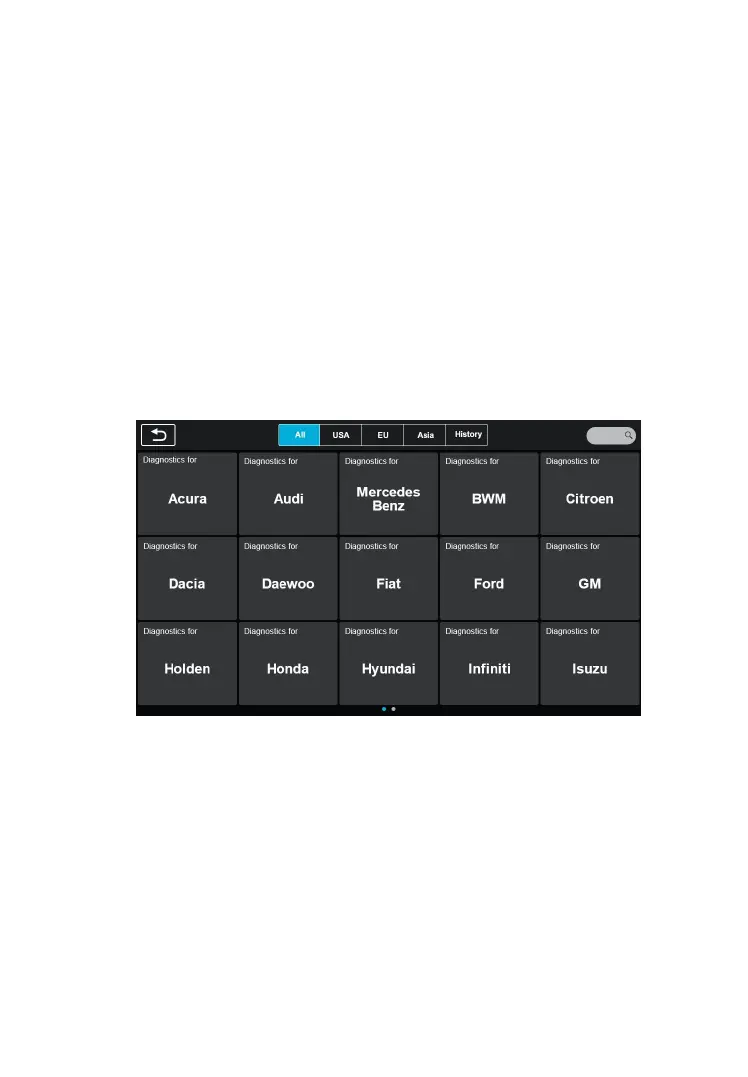
Job Menu. The Vehicle Menu displays.
Figure 4-2 Sample Auto VIN Screen 1
2. Select vehicle brand. Whether the interface of VIN code
recognition will be different for different car brands. Once
the test vehicle is successfully identified, the screen will
display the Vehicle Identification Number (VIN), tap OK at
the bottom right to confirm. If the VIN does not match, enter
the VIN manually or tap Read to acquire VIN again.










 To Next Page