35
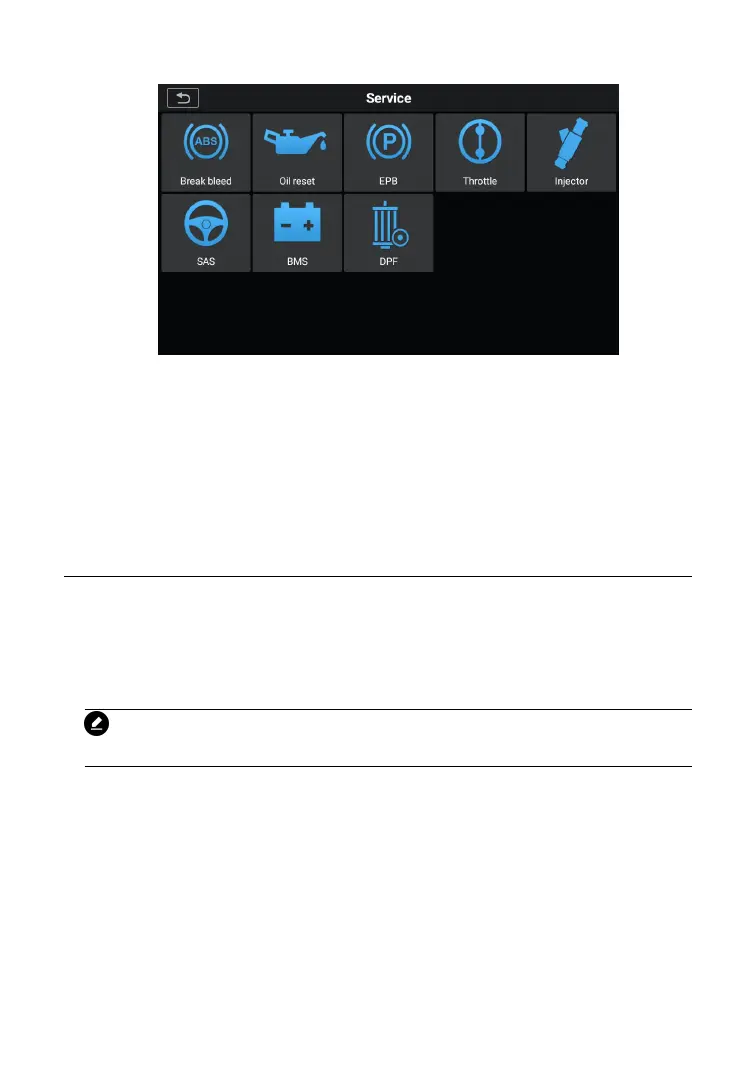
Figure 5-1 Sample Service Function List
After entering each special function, the displayed screen consists of
two applications: Diagnosis and Hot Functions. The Diagnosis is
for you to read/clear data since this is necessary after some special
functions. Hot Functions consists of sub functions of the selected
When the ABS contains air, or the ABS computer / ABS pump /
brake master cylinder / brake cylinder/ brake fluid is replaced, the
ABS bleeding function must be performed to bleed the brake system
to restore ABS brake sensitivity.
NOTE
This operation requires assistance.
To perform Brake bleed functions
1. Tap the Service application button from the CR MAX Job
2. Tap Brake bleed button and wait for the vehicle
manufacturer screen. You can tap VIN Scan or the vehicle
make to acquire vehicle VIN information and tap Yes to










 To Next Page