36
confirm. See Vehicle Identification on page 14 for detail.
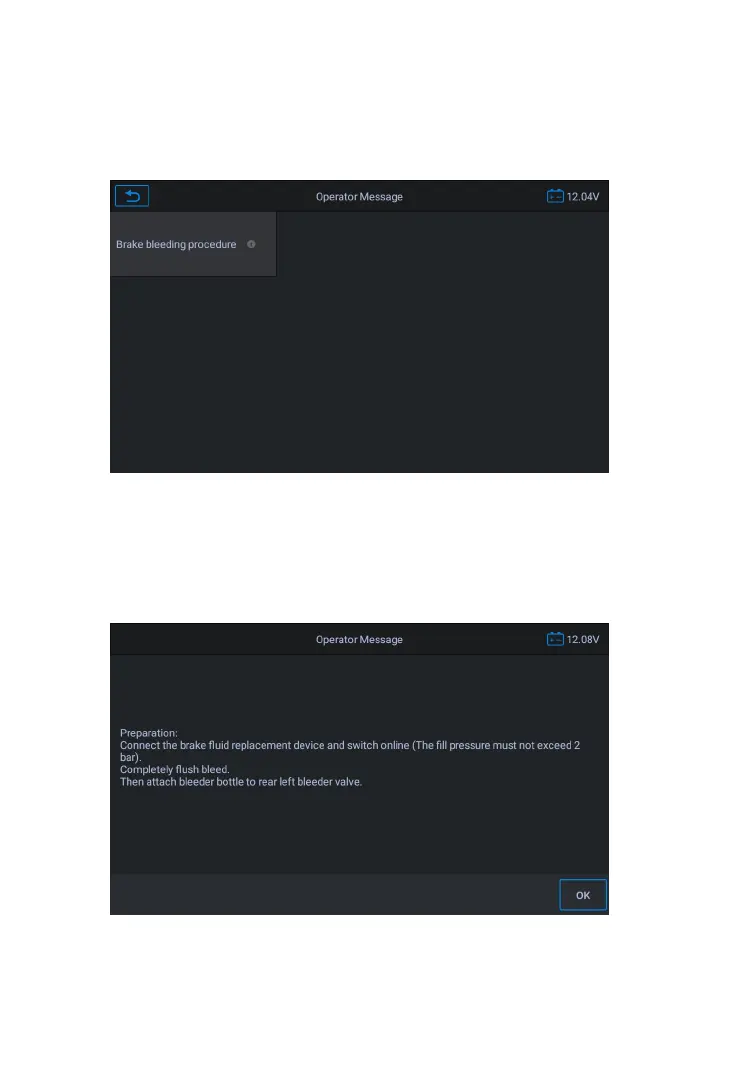
3. Tap the function you want in the brake bleed function list,
the list may vary for different vehicles being tested.
Figure 5-2 Sample Brake Bleed Function Screen 1
4. Read the operation information on the screen carefully, carry out
the preparatory work according to the requirements of the screen,
connect the brake fluid change device, and connect the exhaust
valve to the left rear valve.
Figure 5-3 Sample Brake Bleed Function Screen 2
5. Start to exhaust the left rear wheel. This process requires a










 To Next Page