13
4 Diagnostics
The Diagnostics application can access the electronic control unit
(ECU) of various vehicle control systems, such as engine,
transmission, anti-lock brake system (ABS), airbag system (SRS)
4.1 Getting Started
The Diagnostics operations require connecting the CR MAX to the
test vehicle’s DLC using the main cable.
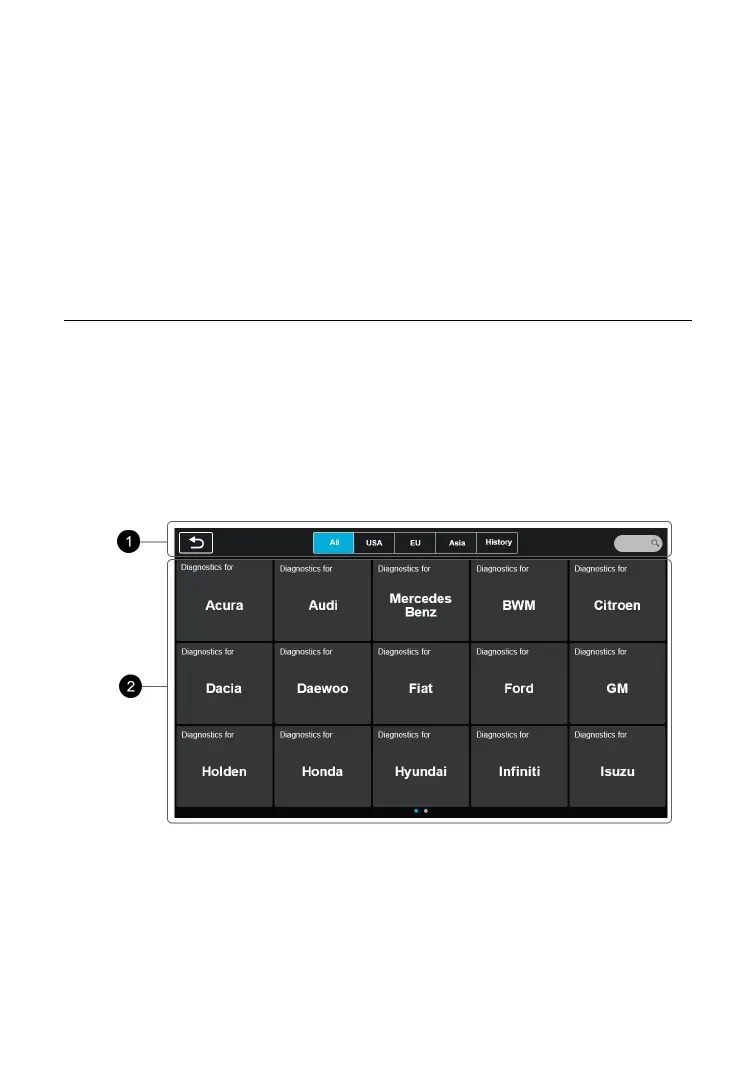
4.1.1 Vehicle Menu Layout
When the tablet is properly connected to the vehicle, the platform is
ready to start vehicle diagnosis. Tap on the Diagnostics application
button on the CR MAX Job Menu, the Vehicle Menu then displays.
Figure 4-1 Sample Vehicle Menu










 To Next Page