11
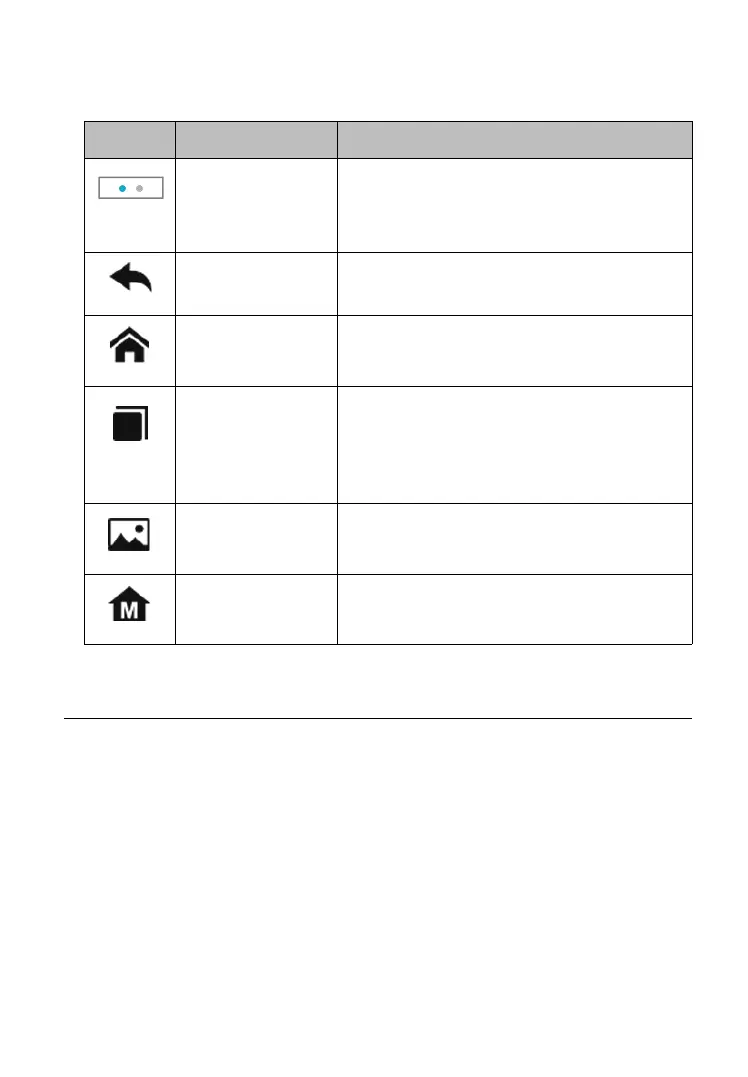
Table 3-2 Locator and Navigation Buttons
Indicates the location of the screen.
Swipe the screen left or right to view
the previous or next screen.
Returns to the previous screen.
Returns to Android System’s Home
screen.
Displays a list of applications that are
currently in use. Tap an app icon to
launch. To remove an app, swipe it to
the top or bottom.
Takes a screenshot when you want to
save the displayed information.
Returns to CR MAX Job Menu.
3.2 Powering Down
All vehicle communications must be terminated before shutting down
the Display Tablet. A warning message displays if a shutdown is
attempted while the tablet is communicating with the vehicle. Forcing
a shutdown while the tablet is communicating may lead to ECM
problems on some vehicles. Please exit the Diagnostics application
before shutting off the tablet.
To power down the display tablet
1. Long press the Lock/Power Button.










 To Next Page