84
8 Shop Information
The Shop Manager application manages the workshop information
including customer information records and test vehicle history
records. There are three main functions available:
The operations of these functions of the Shop Manager application
are controlled by the toolbar buttons, which are listed and described
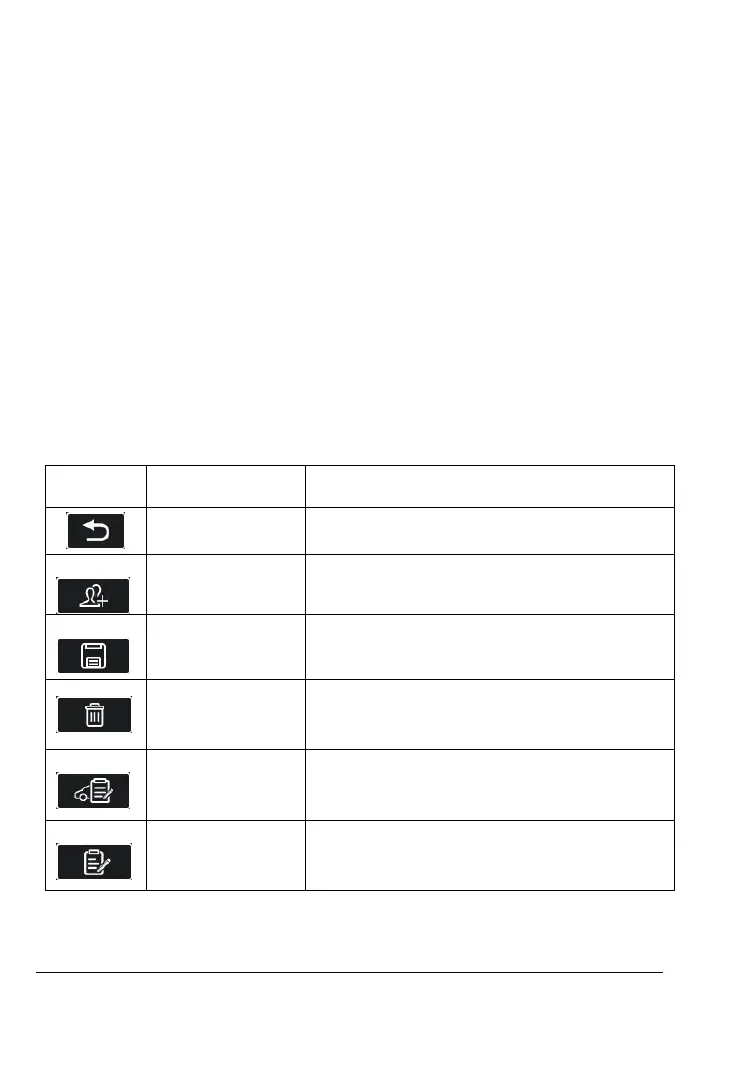
Table 8-1 Top Toolbar Buttons in Shop Manager
Cancel the current operation and return
to the previous screen.
Tap this button to create a new
customer account file.
Complete editing and save the file.
Tap this button to delete the selected
customer information and vehicle
record.
Tap this button to save the modified
customer information and vehicle
information.
Tap this button to open a note form.
New customer notes can be added.










 To Next Page