50
Figure 5-19 Sample SAS Function Menu
5.6.1 Steering Angle Sensor Calibration
This function allows users to perform steering angle sensor
calibration and clear records. Available function options vary by
1) Tap Steering Angle Sensor Calibration from the SAS function
menu to enter the function screen.
2) Follow the on-screen instructions to set the ignition on/off as
guided. The vehicle battery voltage signal should be in the range
12.5 – 13.5 volts to proceed with this service, otherwise the scan
tablet will display a warning message.
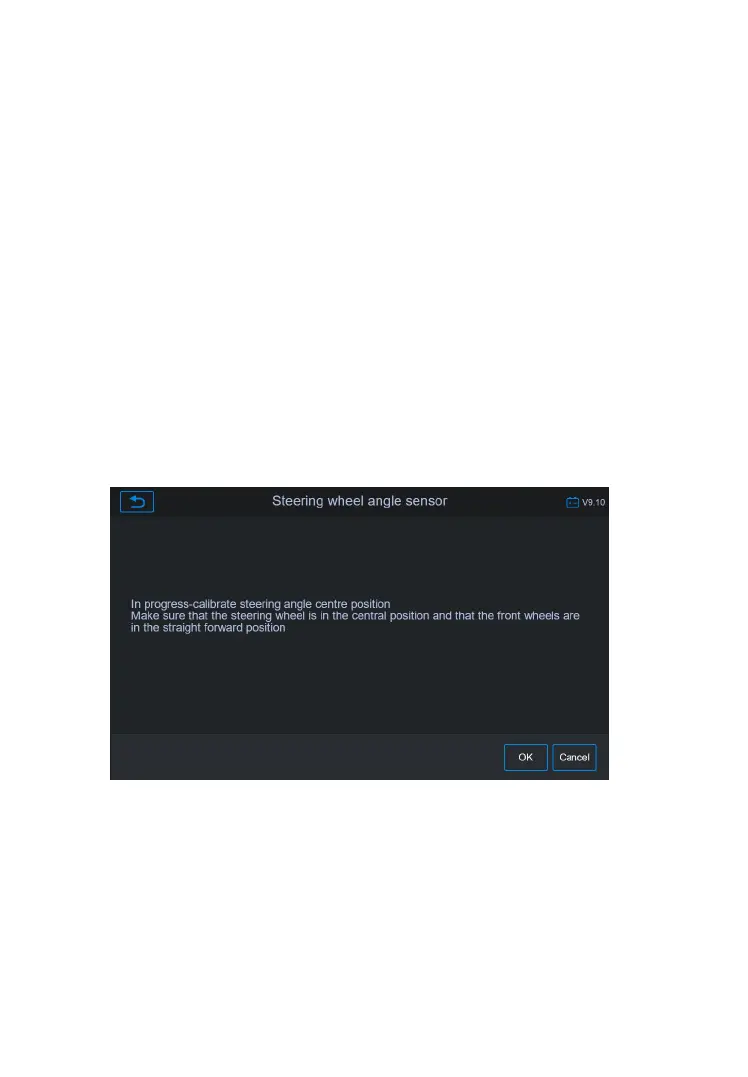
3) Make sure the steering wheel is in the center position and the
front wheels are straight. Then tap OK to proceed.
Figure 5-20 Sample SAS Function Screen 1
4) A confirmation message will display when the operation is
complete. A message will display if operation could not be
completed because of an existing issue. Repair problem after
exiting the diagnostics application.










 To Next Page