8
3 Getting Started
Ensure the tablet is sufficiently charged or is connected to the
external power supply (see Power Sources on page 5).
NOTE
The images and illustrations depicted in this manual may differ from
Press the Lock/Power button on the top right side of the tablet to
power the unit on. The system boots up, and displays the lock screen.
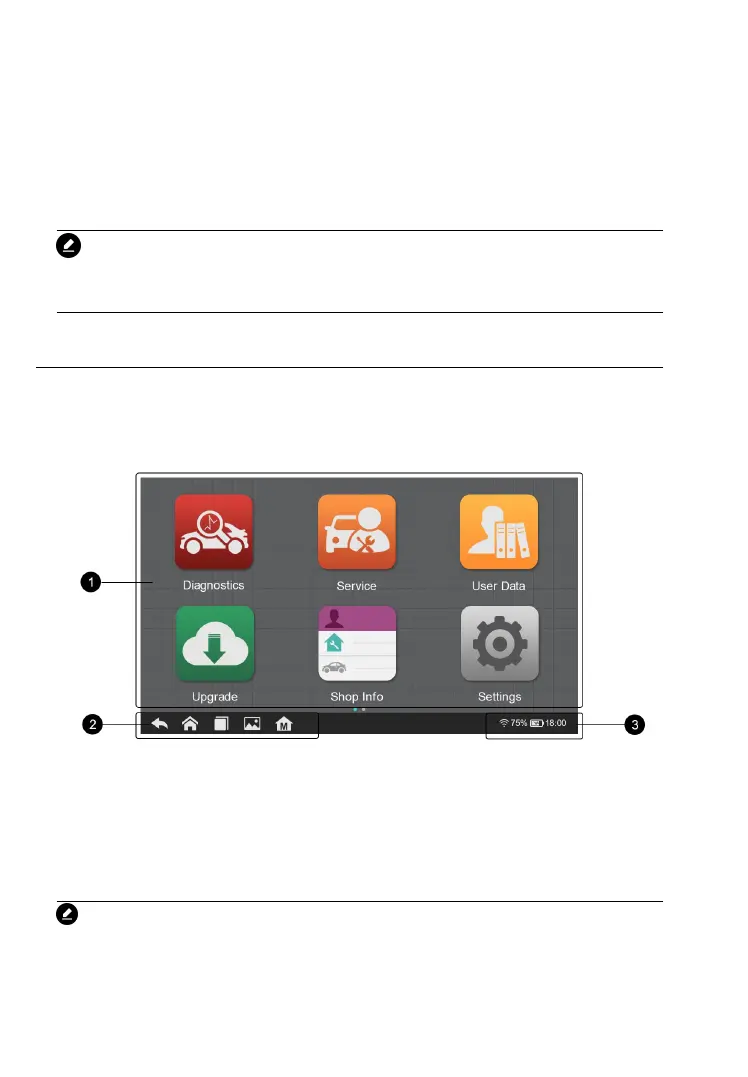
Slide the lock icon up and down to access the CR Max job menu.
Figure 3-1 Sample CR MAX Job Menu
2. Locator and Navigation Buttons
NOTE
The tablet screen is locked by default upon startup. It is
recommended to lock the screen when not in use to protect the










 To Next Page