19
4.3 Navigation
This section describes how to operate the Diagnostics screen and select test
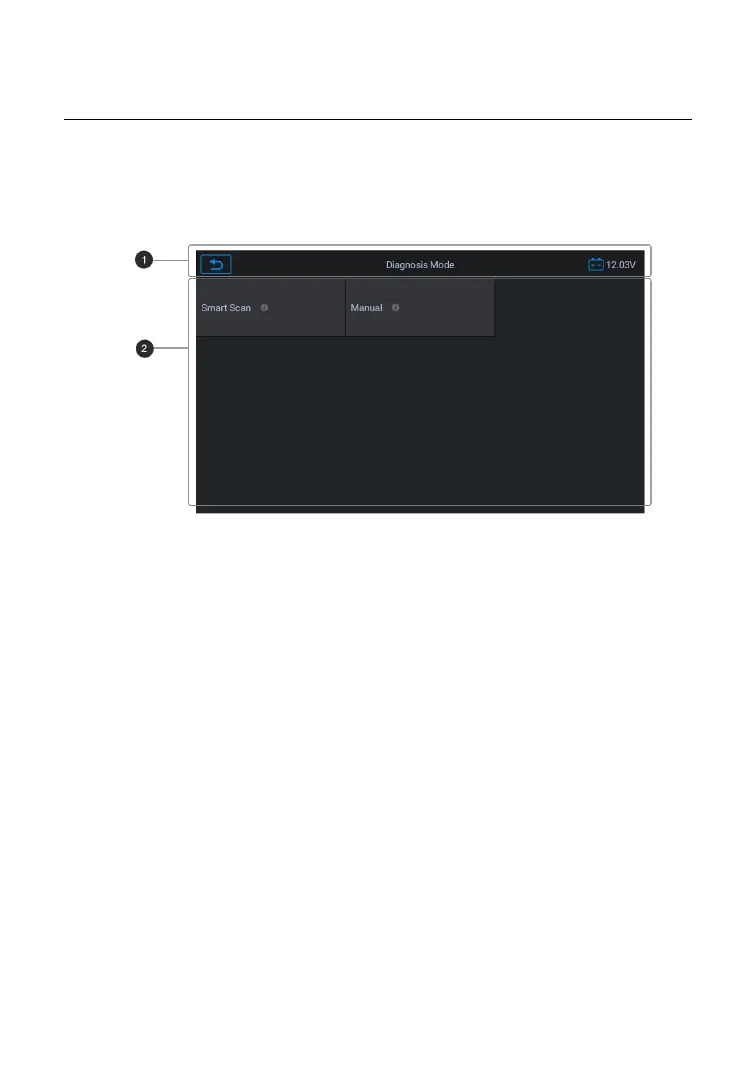
4.3.1 Diagnostics Screen Layout
Figure 4-7 Sample Diagnostics Screen
The diagnostic screens typically include four sections.
1. Status Information Bar
The Status Information Bar at the top of the Main Section displays the
1. Back button--- Returns to the CR MAX Job Menu.
2. Menu Title – displays the menu heading of the Main Section.
3. Voltage Icon – displays the vehicle’s voltage status.
The Main Section of the screen varies depending on the stage of operations.
The Main Section can display vehicle identification selections, the main
menu, test data, messages, instructions and other diagnostic information.










 To Next Page