60
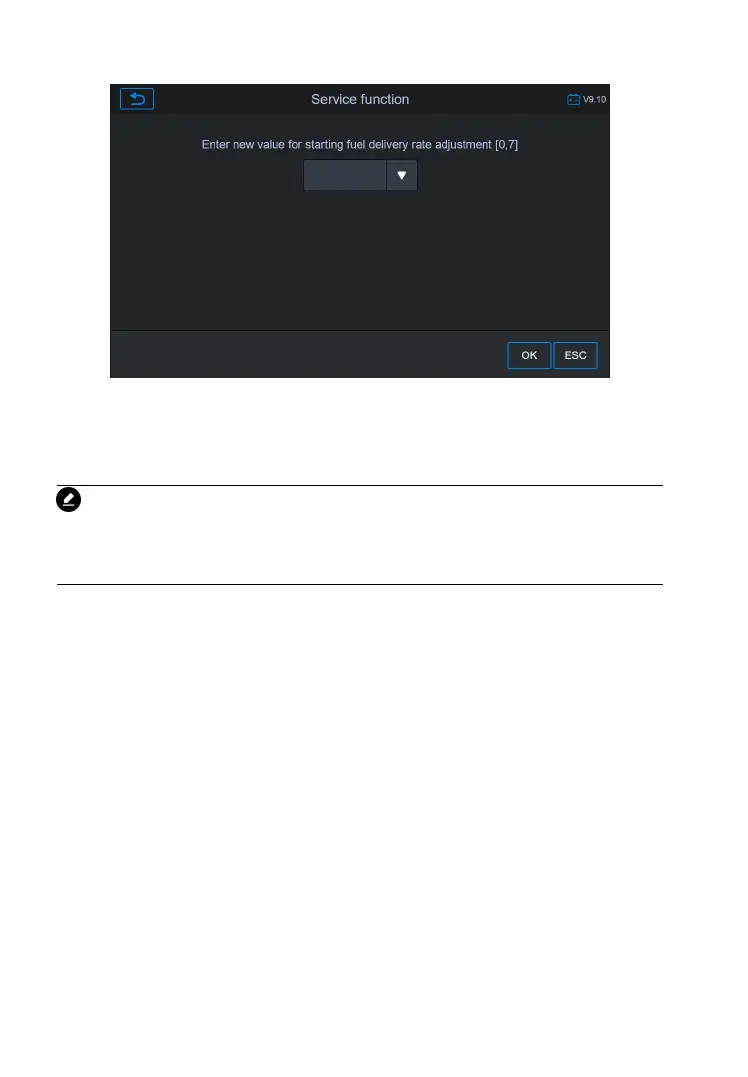
Figure 5-34 Sample Enter New Value Screen
After entering the value, tap OK to save the value to the tool. Tap
ESC to exit the operation.
NOTE
The data you input should be in the range given. If the input data is
out of range, the tool will display a warning message “Permissible
adjustment range exceeded.”
[2] Reset Adjustment to 0
Once the [2] is tapped, the tool will automatically reset the value to
[3]/[4] Store Data and Exit
When the fuel delivery rate adjustment is completed, tap [3] to store
the new value in the control units; or select [4] and OK to retain the
This function is used to adjust the injection volume.
1) Tap Injection Rate from the service functions menu to enter the
2) The tool communicates with the vehicle and reads the fault










 To Next Page