98
Long press a specific app shortcut button displays the app
menu, on which you can select and change the app shortcut.
Press and drag the App Switcher icon to another position
alongside the edge of the screen.
Refer to Android documentation for information about Android
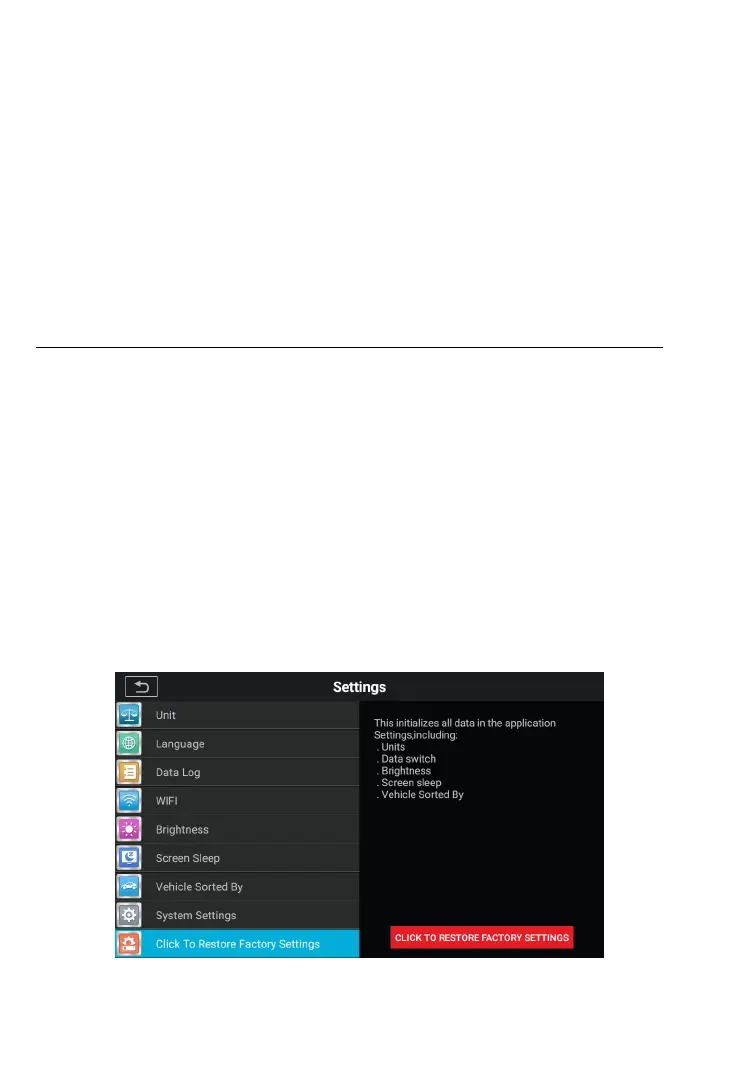
9.9 Click To Restore Factory Settings
This option allows you to return to factory settings.
To adjust to factory settings
1. Tap the Settings application on the CR MAX Job Menu.
2. Tap the Restore Factory Settings option on the left
3. This operation will initialize all data in the application
settings, including unit, brightness, data switch, screen
sleep and vehicle logo sorting.
4. Click the Back button in the top left corner to return to the
CR Max home screen or select another setting.










 To Next Page