102
also provide information feedback.
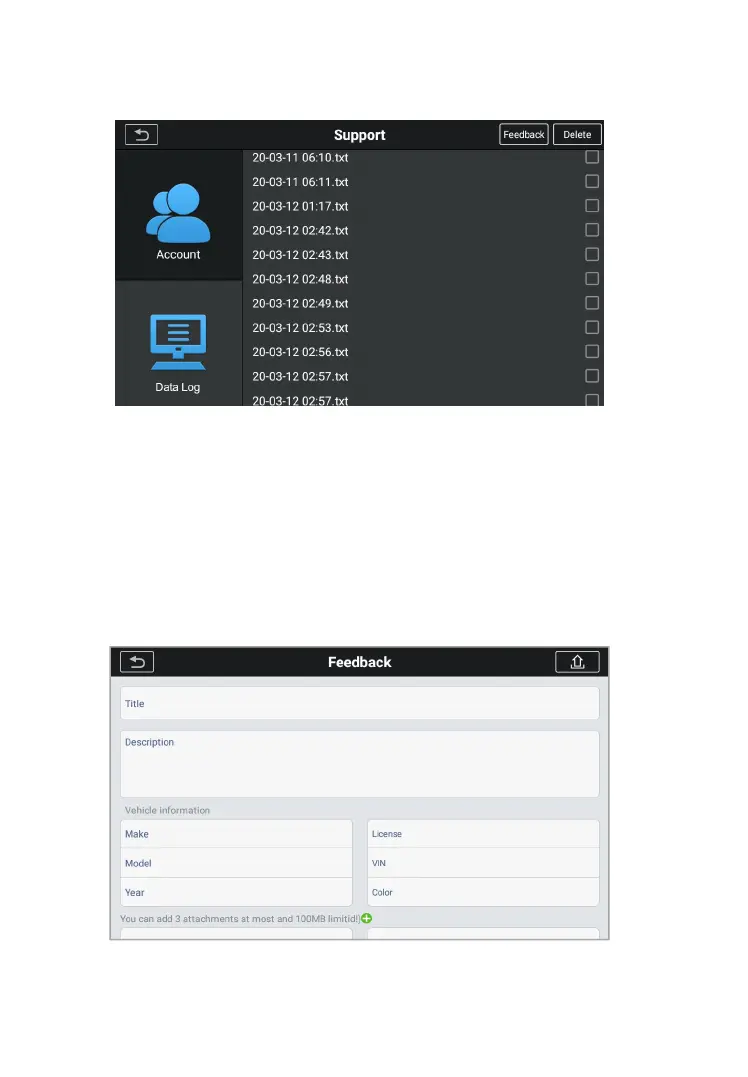
Figure 12-2 Sample Data log Screen 1
1. Select the check box behind the log, you can select multiple
logs at the same time, tap the delete button in the upper right
2. Select the check box behind the log, you can select multiple
logs at the same time, tap the feedback button in the upper
right corner. The interface for information feedback will
Figure 12-2 Sample Data log Screen 2










 To Next Page