12
4
MEMORY OPERATION
Memory channel selection
■
The transceiver has 200 memory channels for storage of
often-used frequencies, along with 6-character notes.
q Push [MR•MW] to select the memory mode.
• The memory BANK number and memory CH number appears.
Using [DIAL]:
w Push , then push [0•BANK], and rotate [DIAL] to select
the desired memory BANK number. Push and push
[0•BANK] (or push [CLR•DEL]) to exit the BANK selection
mode.
e Rotate [DIAL] to select the desired memory CH number.
• If no memory CH is programmed in the selected BANK, no
memory CH selection is available.
Using the Keypad:
w Push , and push [0•BANK], then push the appropriate
digit key ([0•BANK] to [9•TAG ]) to select the desired mem-
ory BANK number, then push and push [0•BANK] (or
push [CLR•DEL]) to exit the BANK-selection mode.
e Push 2 appropriate digit key (00 to 19) to select the de-
sired memory CH number.
• If no memory CH is programmed in the selected BANK, no
memory CH selection is available.
NOTE: Comments appear first when programmed, how-
ever, the transceiver can be programmed by your dealer
to show the operating frequency first. Push [MR•MW] to
display the comment in this case.
Transferring memory contents
■
This function transfers a memory channel’s contents into the
frequency mode. This is useful when searching for signals
around a memory channel’s frequency.
q Push [MR•MW] to select memory mode.
w Select the desired memory channel to be transferred
using [DIAL] or keypad.
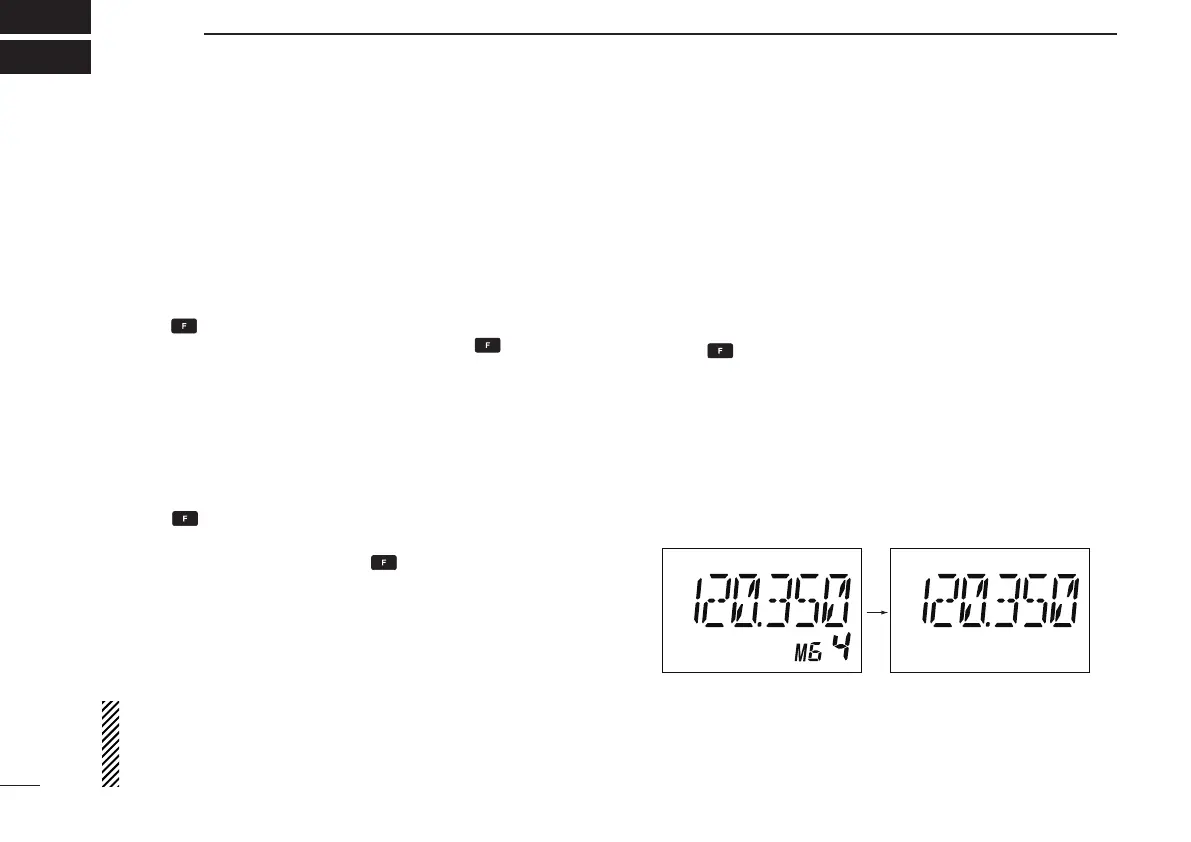
e Push , then push [MR•MW] to transfer the memory
channel’s contents into the frequency mode.
• BANK number and memory CH number disappears as fre-
quency mode is automatically selected and the memory con-
tents are transferred.
Memory mode Frequency mode



 To Next Page