40
6
MENU SCREEN OPERATION
New2001
1
2
3
4
5
6
7
8
9
10
11
12
13
14
15
16
17
18
19
NOTE: The default settings, shown below, are for the USA version.
The default settings may differ, depending on the version.
In this item, set your own call sign to use in the DV mode.
My Call Sign 1:~6:
TX Message 1:~5: or OFF
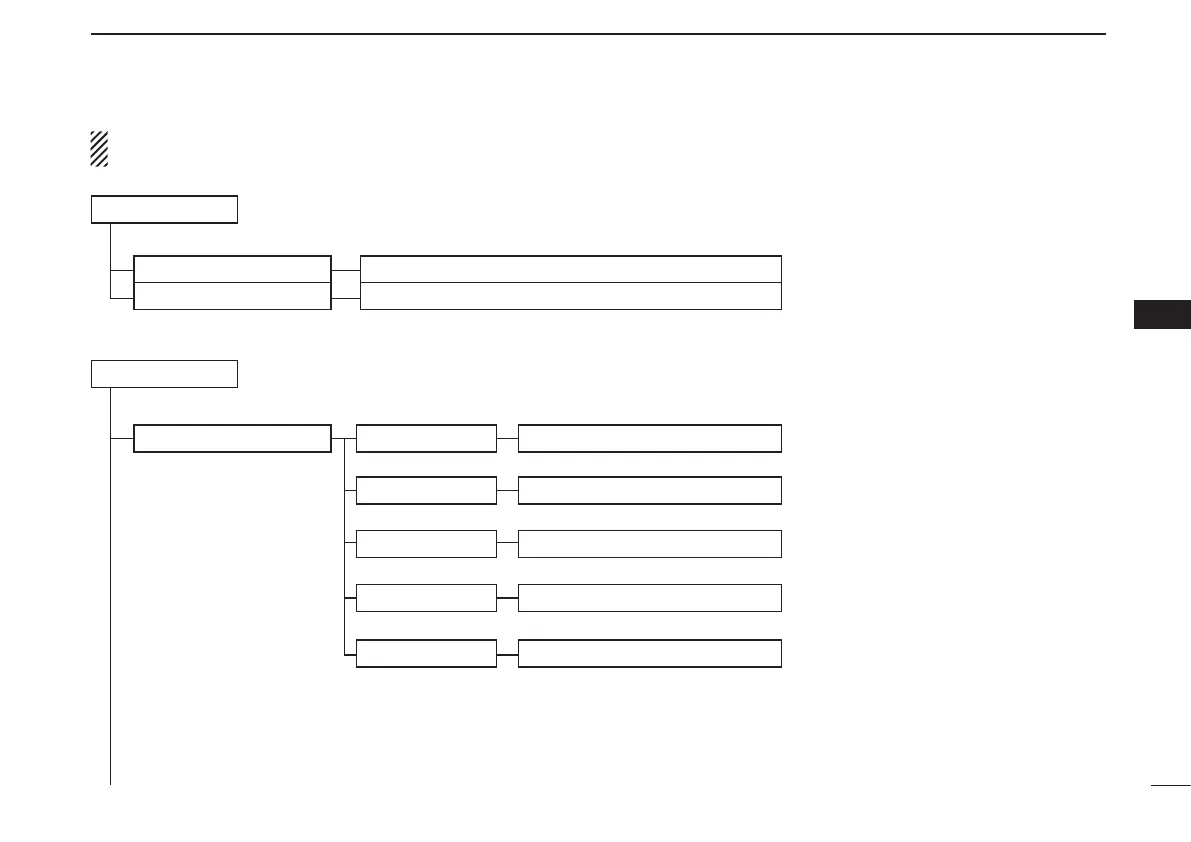
DV Set
Tone Control
RX Bass
RX Treble
RX Bass Boost
TX Bass
TX Treble
Cut, Normal or Boost
In this item, set infrequently changed values or functions in the DV mode.
Cut, Normal or Boost
OFF or ON
Cut, Normal or Boost
Cut, Normal or Boost
My Station
DESCRIPTIONSRANGE OR VALUE (Default is shown in bold)
DESCRIPTIONSRANGE OR VALUE (Default is shown in bold)
Stores and selects Your own call signs.
Sets the DV mode received audio bass
filter level to Cut, Normal or Boost.
Sets the DV mode received audio treble
filter level to Cut, Normal or Boost.
Turns the DV mode received audio Bass
Boost function ON or OFF
Sets the DV mode transmit audio bass
filter level to Cut, Normal or Boost.
Sets the DV mode transmit audio treble
filter level to Cut, Normal or Boost.
Stores and selects TX Messages.
☞
Continuedonthenextpage.



 To Next Page