Software
MVS6000 System Level Manual/1.0/Dec-2001 3-11
5. Click Yes to continue the installation.
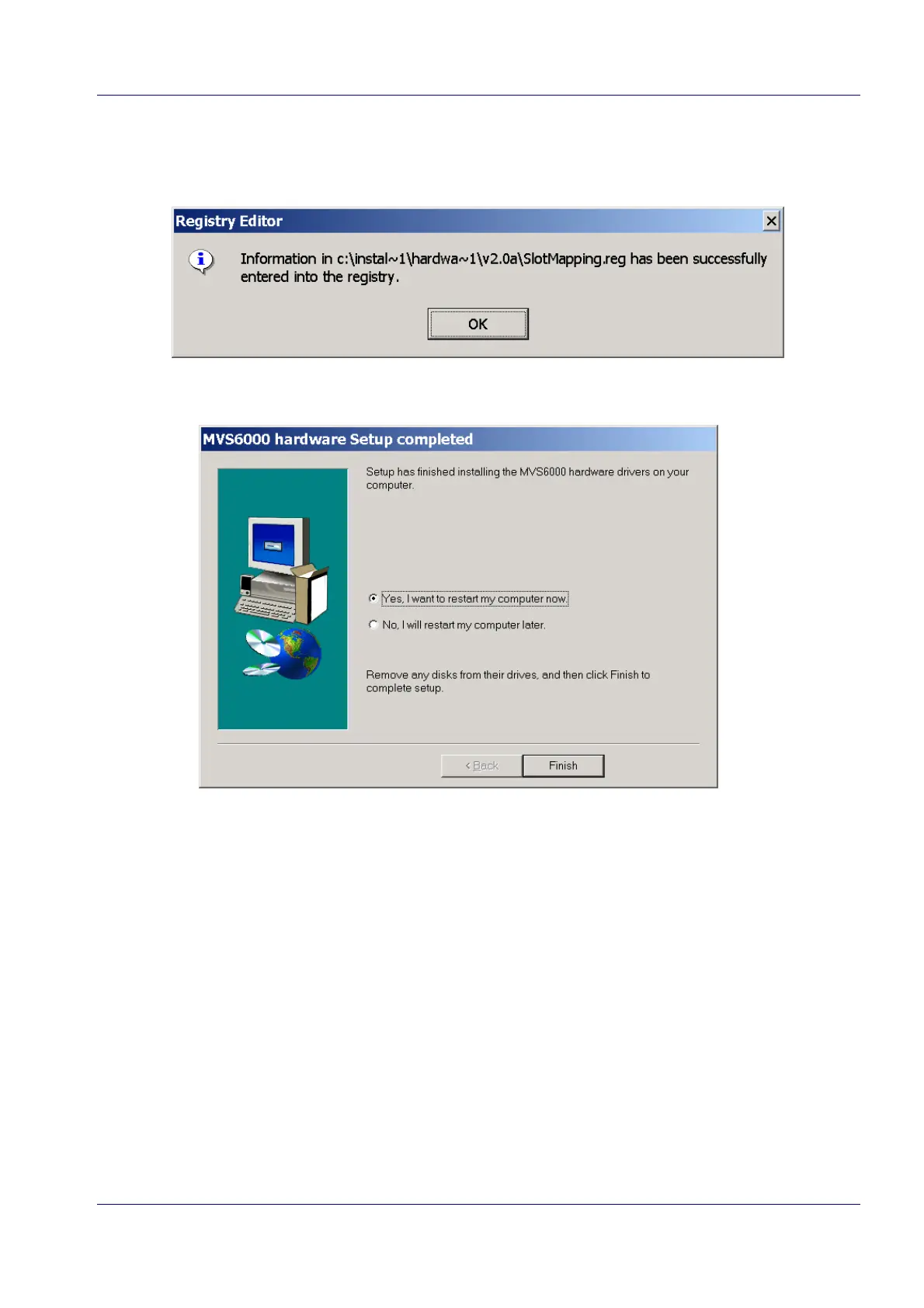
Windows informs you that the registry is updated. An example is shown here.
6. Click OK to continue.
7. Select the radio button Yes, I want to restart my computer now.
8. Click Finish to complete the installation and to restart your computer.


 To Next Page