MVS6000
3-18
MVS6000 System Level Manual/1.0/Dec-2001
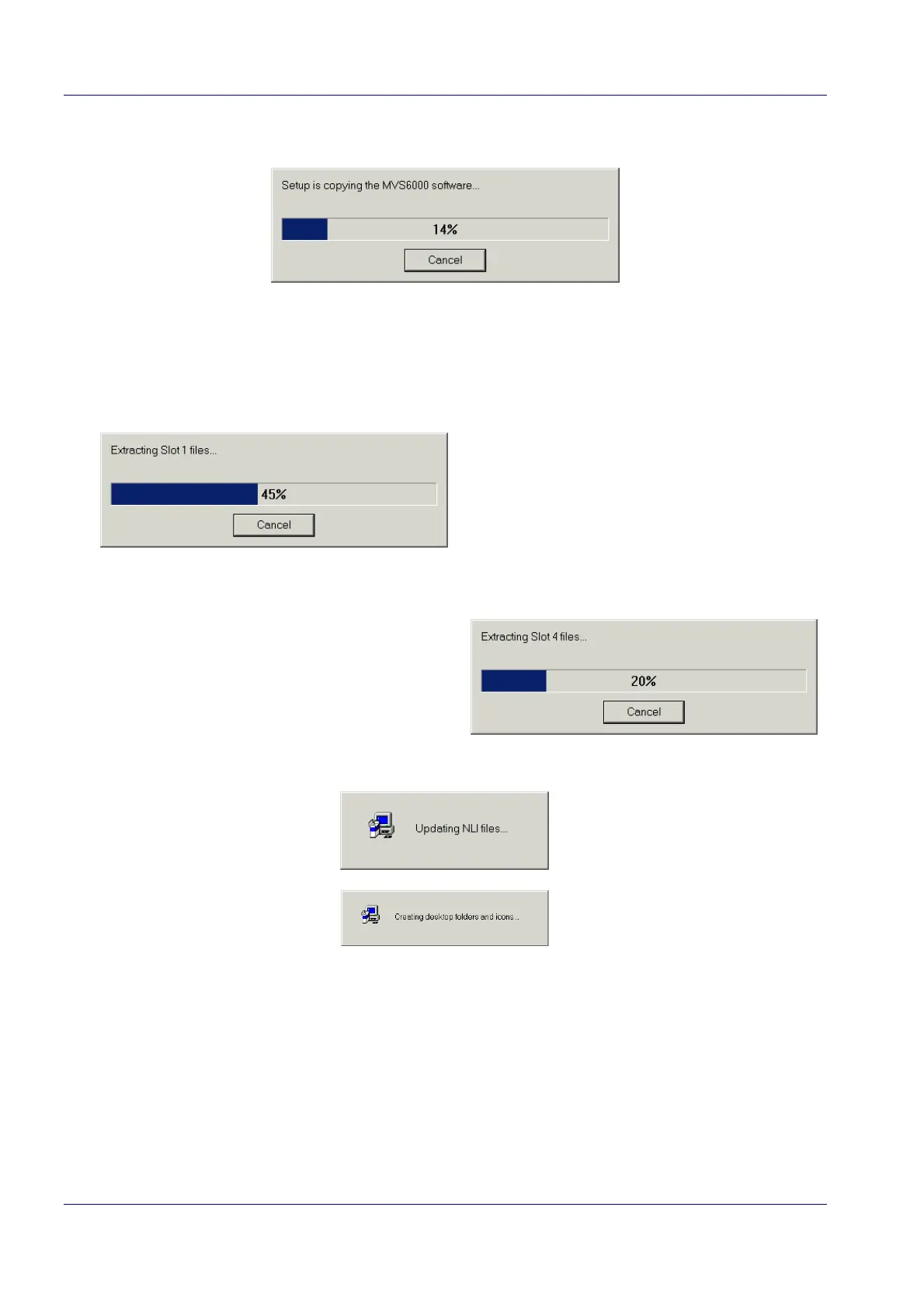
The installation starts.
The InstallationShields always installs the software for four slots, even if these boards are not
present. This means that when you add a board to the system you do not have to reinstall the
software.
The software of slot 1 is installed first, followed by slot 2, slot 3 and slot 4:
…
The system starts updating the NLI files and creates folders and Icons on the desktop.
When the installation is done, the following page is shown:


 To Next Page