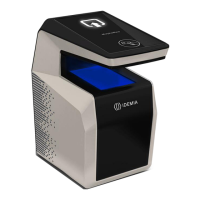
5.1.7 > MorphoWave Compact native mode
MorphoWave Compact terminal is by default in native mode, that is named MA5G. It will support the new
features and configurations only in the native mode.
NOTA : When terminal mode is switched from MA5G to Morpho legacy mode, the entire
configuration (excepted communication links) and all databases are erased
NOTA : The terminal is rebooted on mode change and factory settings are applicable.
Once the product is configured in native mode, the following methods can be used to configure the
terminal:
through the Ethernet interface (remote management)
through a Wi-Fi™ connection (license and dongle required)
Configuration procedures are described inside the MorphoWave Compact Administration Guide as follows:
Section 4: Terminal Configuration And Administration


 To Next Page