6.3.5.1. CONTACT_GET_SET_PWR_UP_SEQUENCE
This Escape command is used to get or set the following parameters:
● Smart card Power-on sequence
● Delay between successive Activation retires
● Enable/Disable any Voltage Class
As soon as card insertion is detected and Power ON message is received from the host, the firmware
will start Activation with the configured voltage sequence. If the Activation fails, it will wait for the
configured Activation delay and then retry with the next enabled Voltage class. If power up succeeds
at an operating voltage, the firmware will continue card communication at that voltage. If power up
fails in all the enabled operating voltages, then the firmware will report an error.
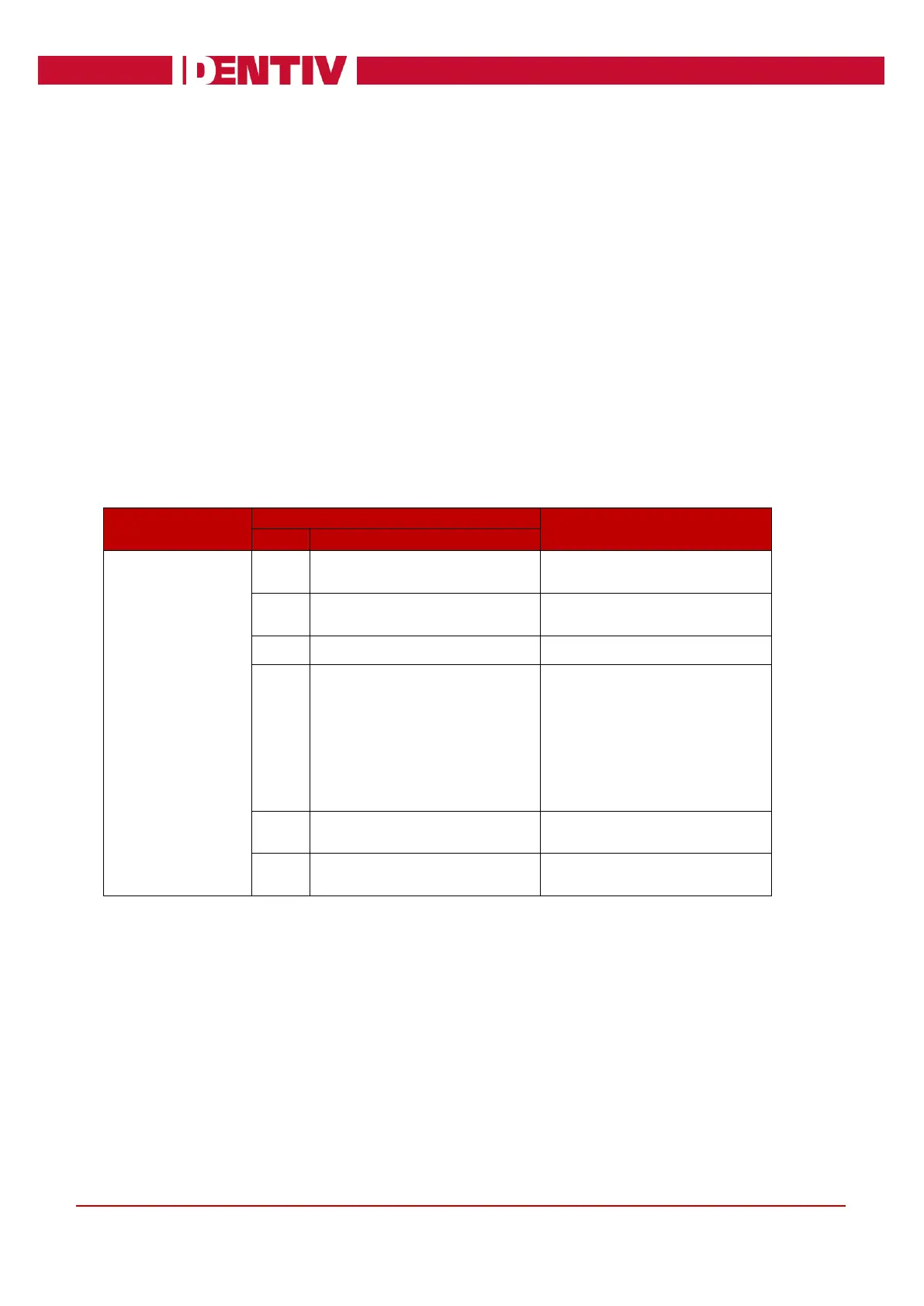
Input:
The first byte of the input buffer will contain the escape code. The next byte shall contain the function
to be performed. Third byte shall contain the parameter for the function.
Bit Map of all Voltage Classes
[Bit0 – Class A; Bit1 – Class B;
Bit2 – Class C]
Set bit to enable the Voltage
class
Clear bit to disable the Voltage
class



 To Next Page