Using the Dozer Function
117
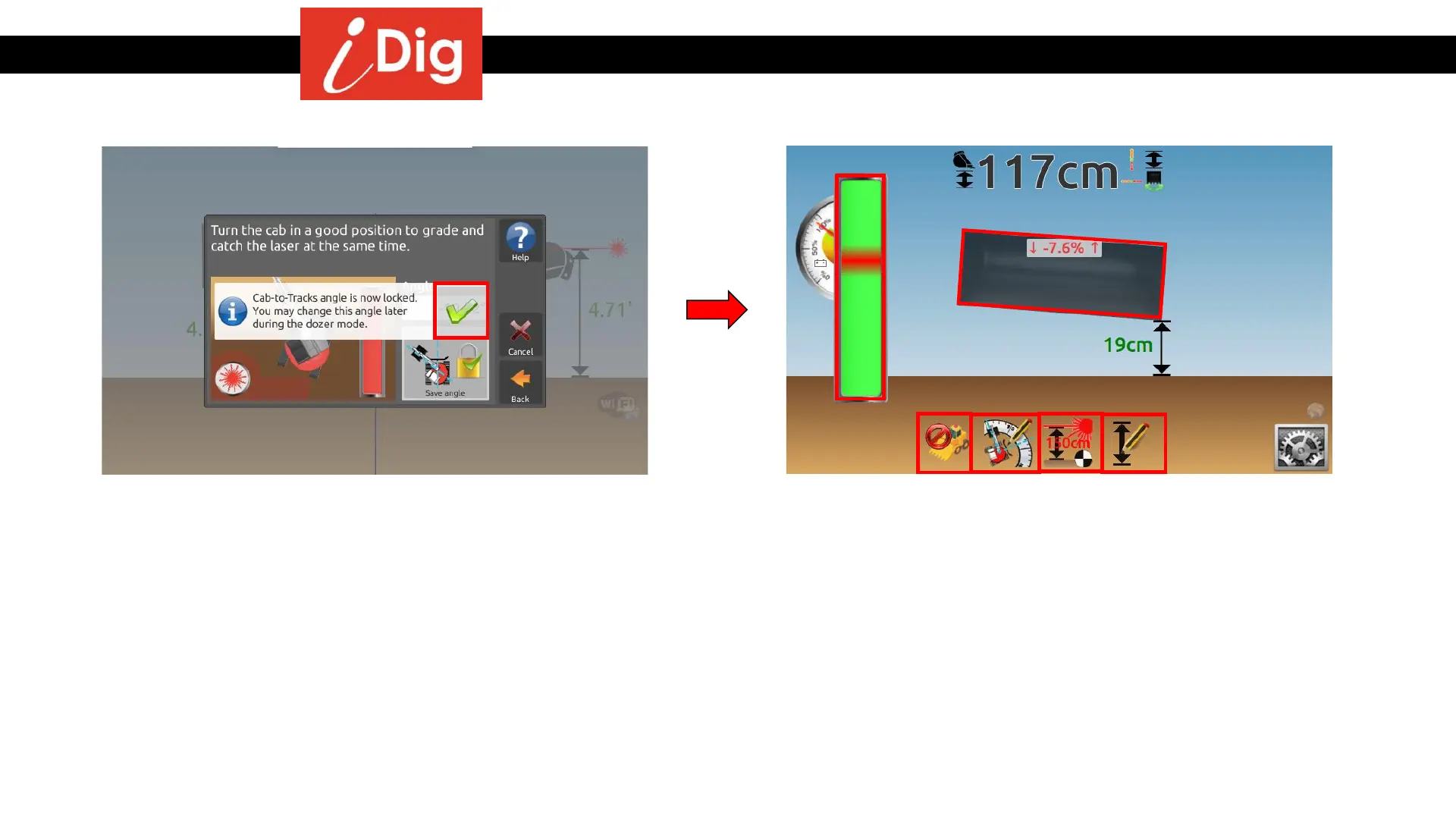
• The angle of your cab is now locked. It can be changed
at any time from the main screen.
• Click on the green check mark.
• This screen indicates the following:
• The light bar shows the position of the laser
beam on the sensor.
• The slope shown on the blade corresponds to the
slope of your machine. The Blade-to-Grade
feature does not allow you to control a 6-way
blade with individual tilt.
• Disable dozer function.
• Change the angle of the cab.
• Change the Laser Height.
• Change the Elevation.



 To Next Page