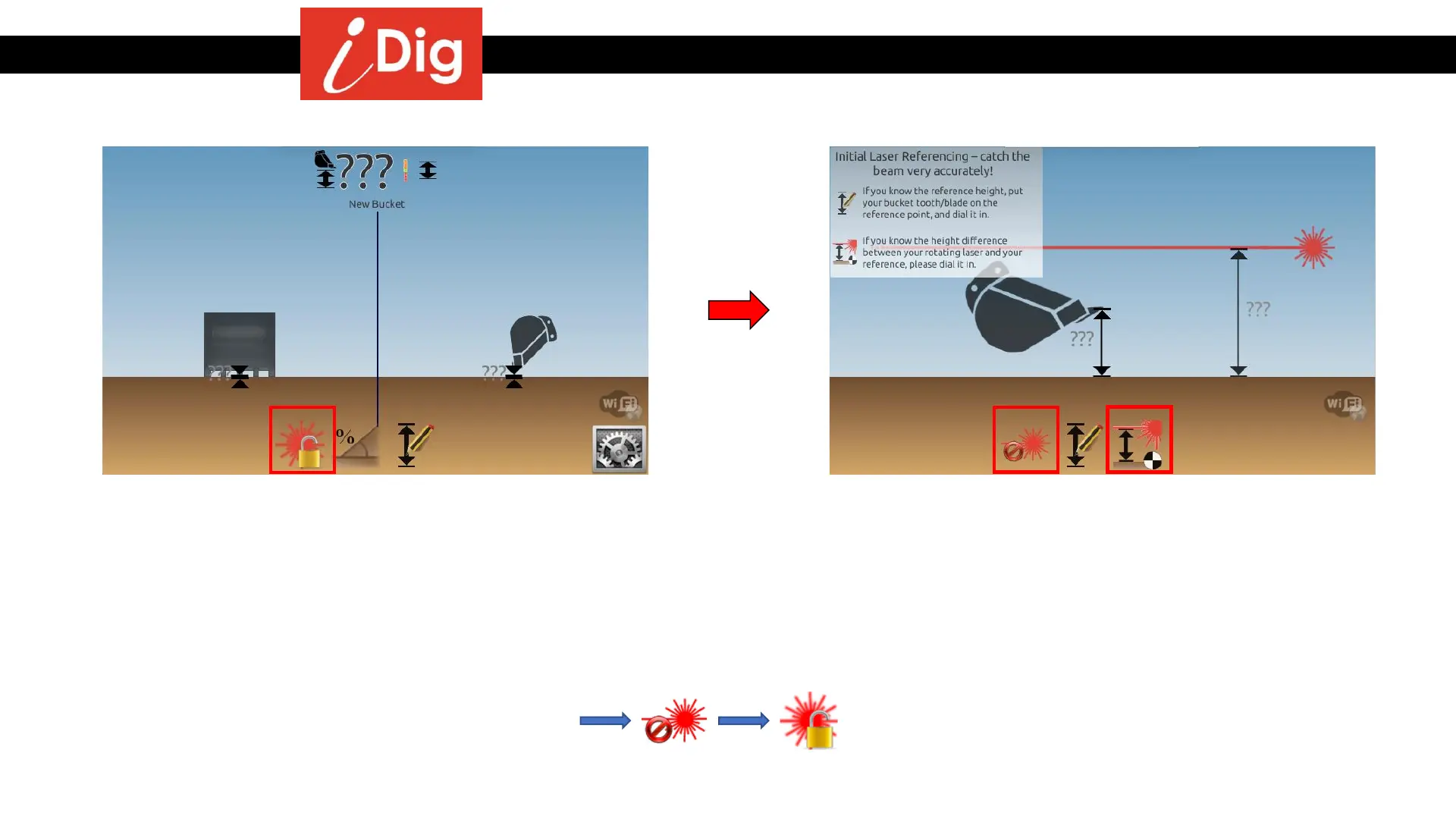
Moving the Machine – Reference point out of reach of the bucket tip
127
• Click the «1st Laser Catch» button
• Click on «Set Laser Height»
Note:
• If no laser button is visible, then the laser receiver needs to be calibrated.
• If several laser buttons are visible, then there is an “old” 1
st
laser catch existing.
Delete this “old” catch to initialize a new 1
st
laser catch:



 To Next Page