System Settings
150
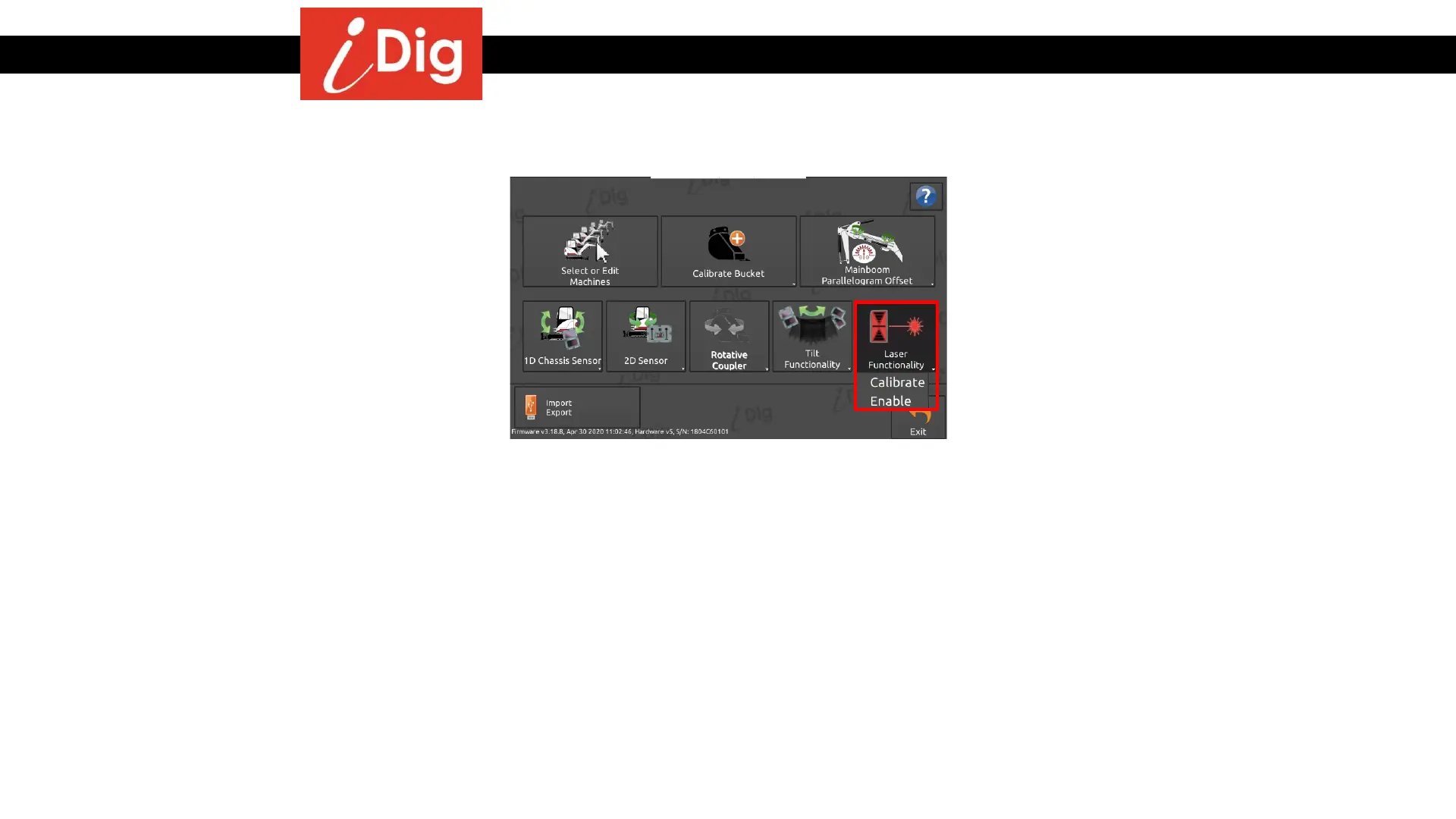
• To use a rotating laser with the system, you
have to calibrate the laser receiver. You
may either use the supplied laser receiver
(Combo Sensor) or use your own machine
guidance laser receiver.
• This button will launch the automatic
calibration procedure for the “Laser
Funtionality” or to enable/disable the
functionality. If you prefer to perform a
manual calibration you will need to access
the Machine Parameter menu.
Laser Functionality



 To Next Page