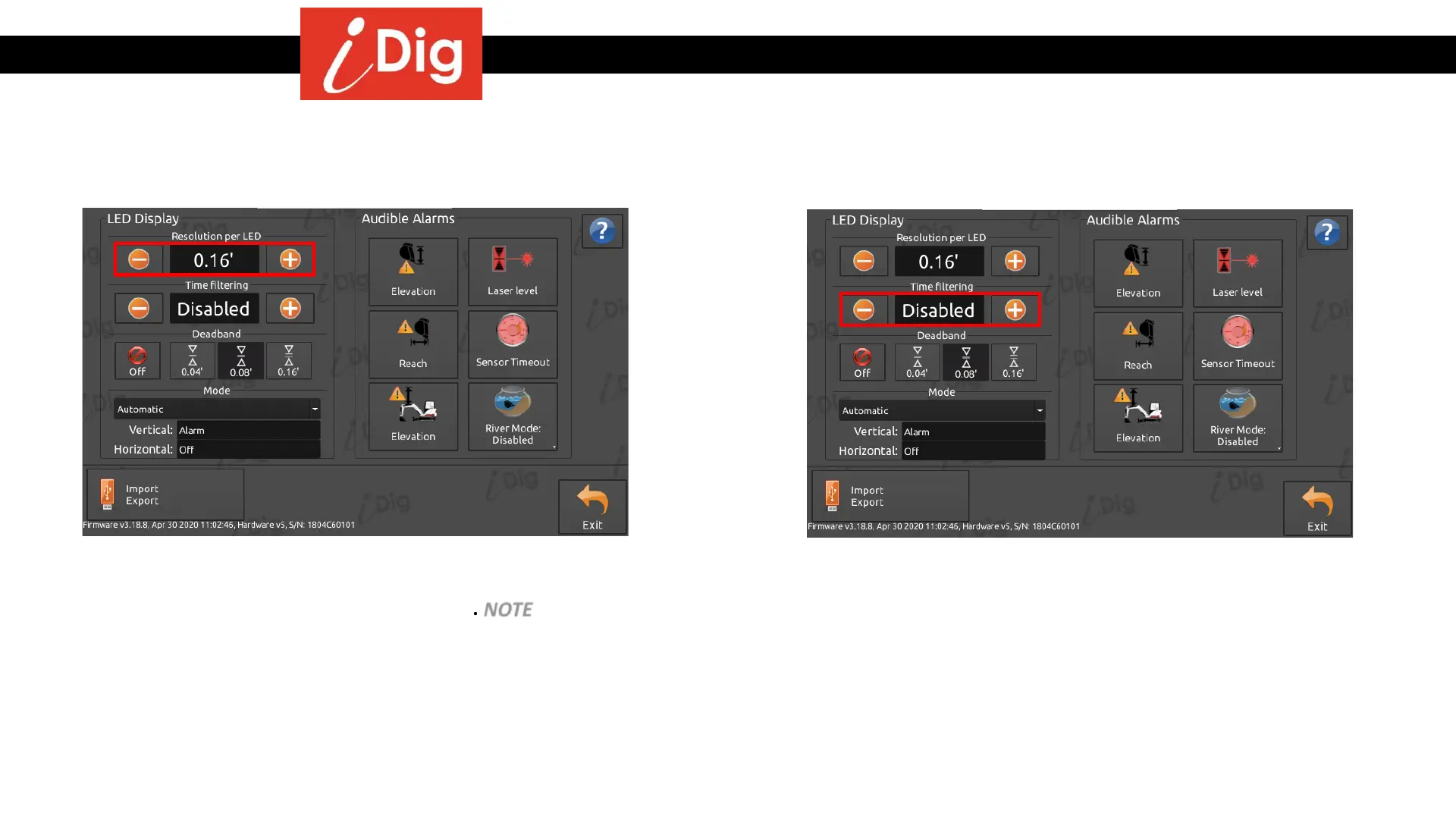
Work Settings – LED Display
152
• Operator can increase/decrease the distance between
each single LED on the LED Display for horizontal and
vertical position in relation to on-grade. NOTE – it is not
possible to have a lower resolution than the value of
the configured deadband. For example, if the deadband
is set to ± .04’ (= .08”) the minimum possible resolution
to set is .08’.
Resolution per LED
Time Filtering
• Operator can set a delay of up to 5 seconds on the LED
Display to reduce the reactivity (calm down) of the
system. The system will take an average over the time
period selected. Very useful when using iDig with a
hammer or trencher which creates a lot of vibration.



 To Next Page