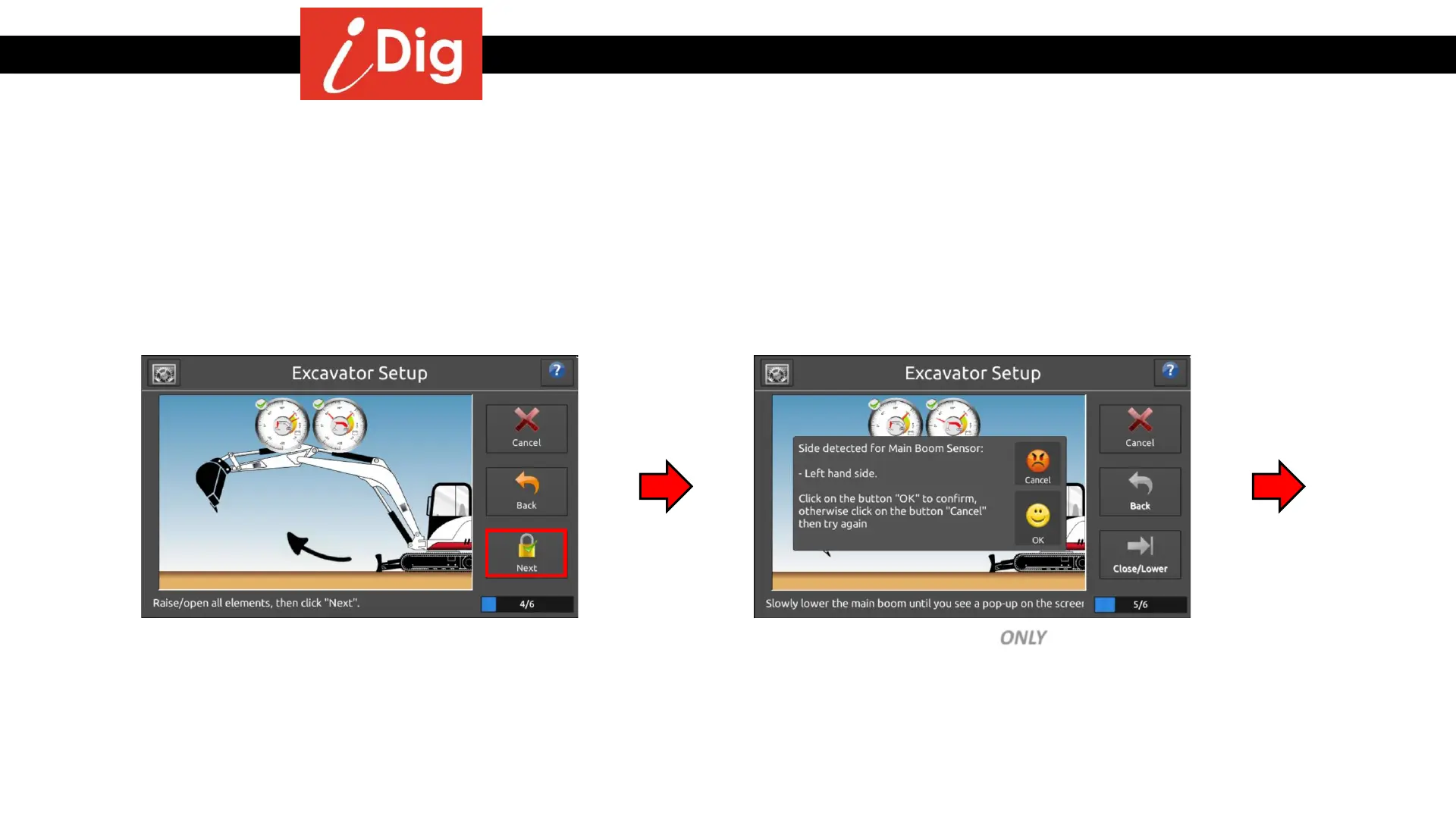
Installation Procedures – Main Boom & Dipper Stick Calibration
• Raise the boom and dipper stick again,
press “Next” when the green check mark
appears.
The system will now automatically detect which side of the elements the Sensors have been installed on:
• Lower the main boom ONLY until the pop-
up screen appears. Follow the directions
on the screen.
Main Boom Sensor
18



 To Next Page