Installation Procedures – Auger Calibration
To Add a New Auger to an Already Calibrated Machine
61
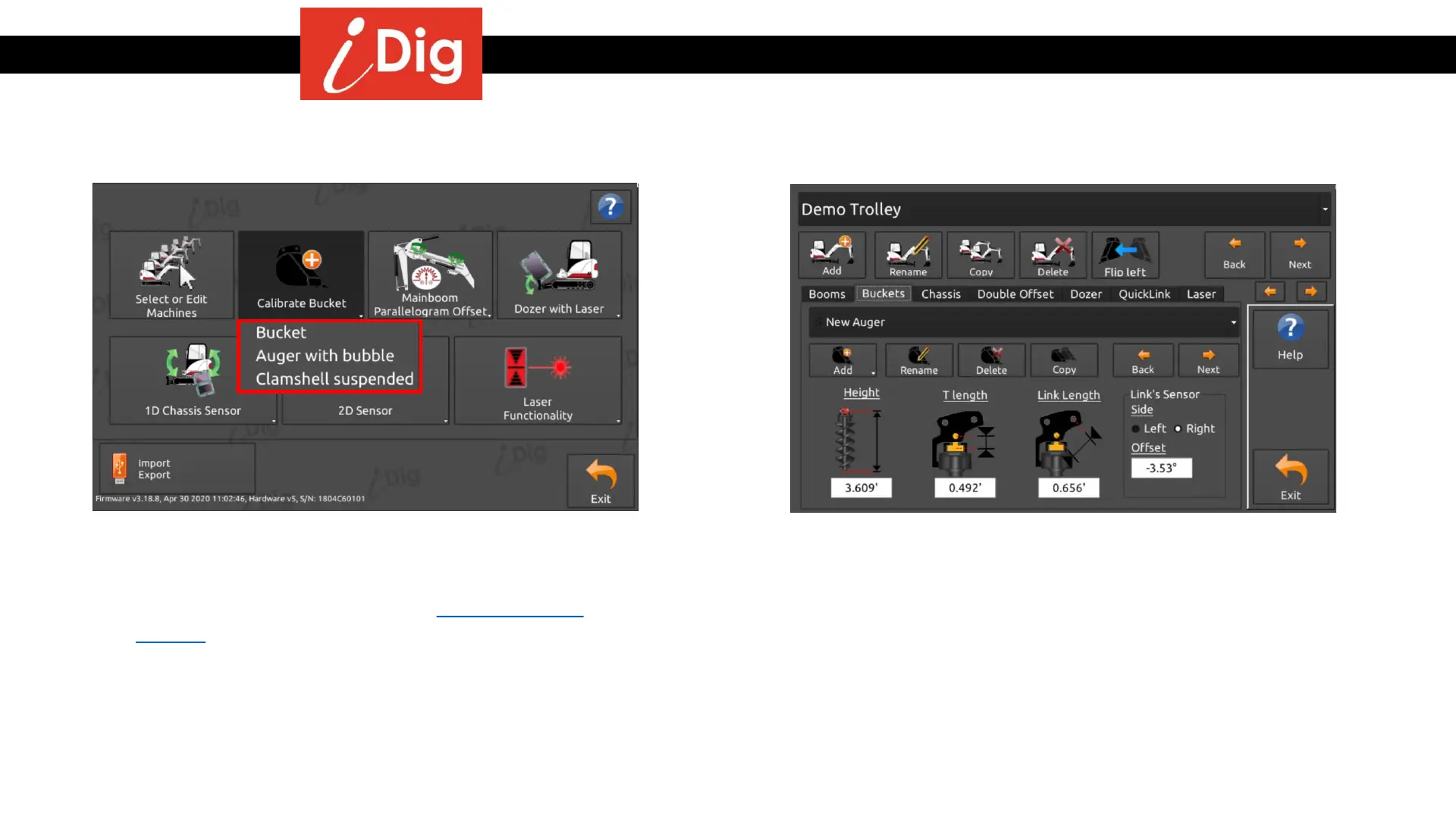
• From the “System Settings” menu click on “Calibrate
Bucket” and then select “Auger with bubble”.
• Manual calibration of an auger is not possible to so
repeat the same process from the beginning of this
section.
• The parameters of the auger are accessible from the
“Buckets” tab of the “Machine Parameters” menu.



 To Next Page