Installation Procedures – Dozer Calibration
68
• Do not remove the Standard Combo Sensor
yet.
• Start your excavator and the iDig system.
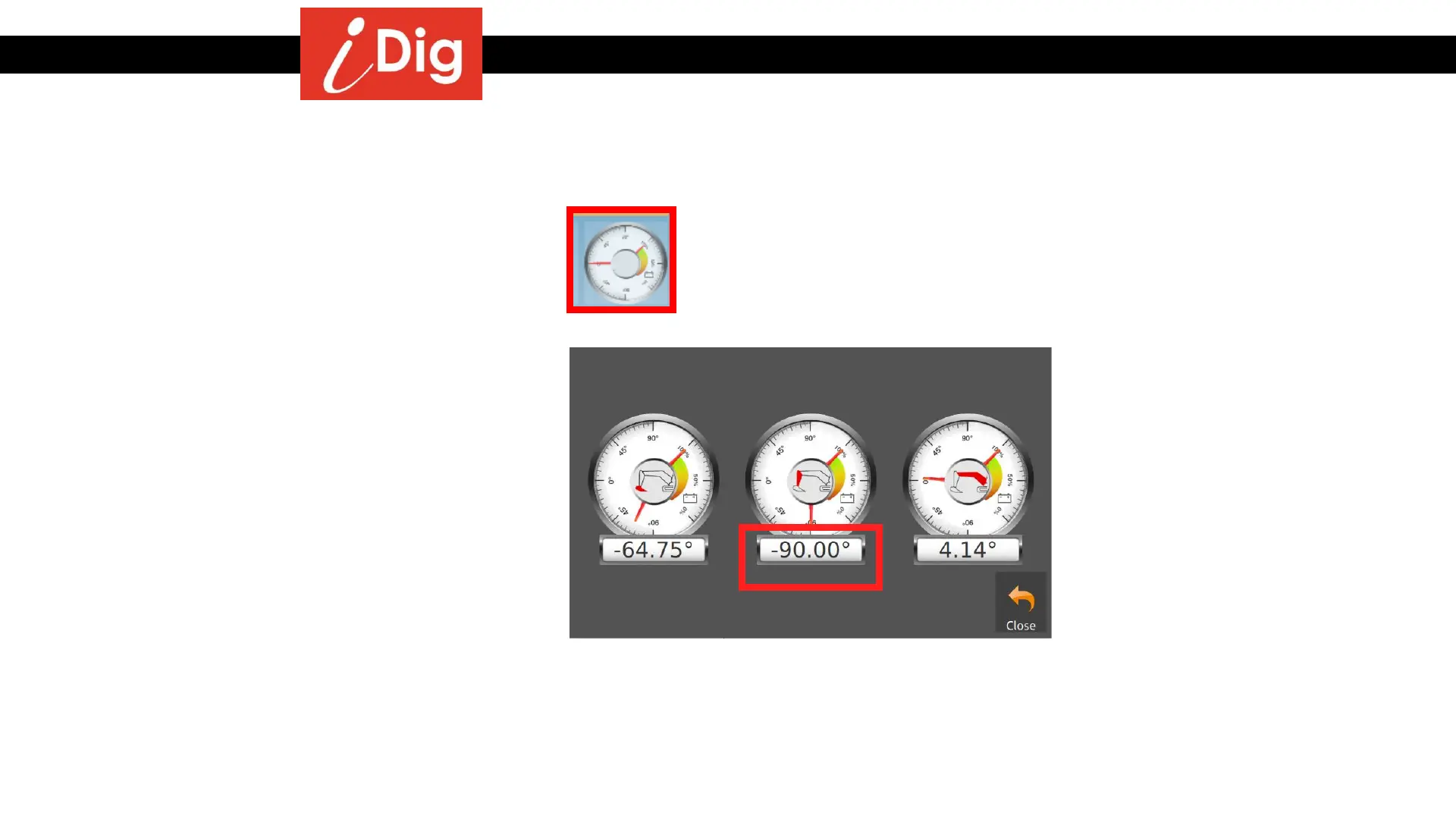
• Touch anywhere on the Main Screen to have
the icons fly in from the side. Click on the
Sensor Symbol.
• Place the Dipper Stick in a Vertical position.
The Dipper Stick Sensor’s value must be as
close to -90.00° as possible
Big Combo Replacement



 To Next Page