Part 1 - Remote Setup
20
• Switching Level: Sets up the switching level between
daytime and nighttime modes. For example, if the
darkness level is set to 3 and the brightness level to
5, the system switches to nighttime mode when in
lighting conditions of level 3 or below and to daytime
mode when in lighting conditions of level 5 or over. It
is recommended that you do not set up the darkness
level and brightness level identically; otherwise, this
function may not work properly. This functions only
when B&W Mode or IR Cut Filter is set to Auto.
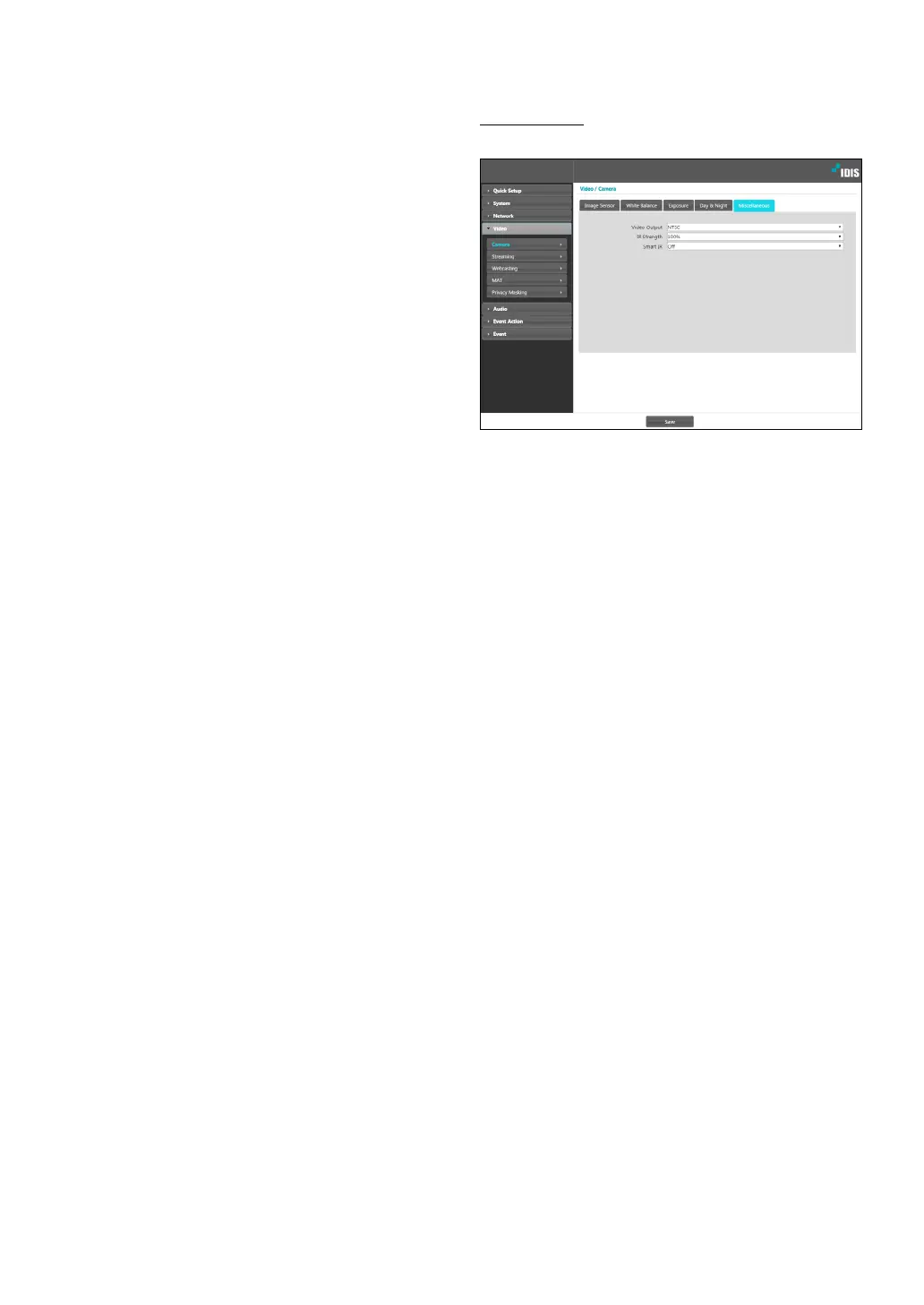
Miscellaneous
Congure Miscellaneous settings.
• Video Output: Select a video output signal format.:
Set the brightness of the IR LED. The higher the value
is set, the brighter it is.
• Smart IR: Prevent the object from being saturated by
IR light. Select Auto to control saturation only when
the zone is over-saturated.



 To Next Page