IDS X-Series Training v2.7
Option 14 – Xwave
2
Bi-directional Remote Identification
You can check the identification of an Xwave
2
bi-directional remote.
To check the identification of a bi-directional remote:
Press and hold the [*] key for 3 seconds
Enter the master code, followed by the [*] key
Enter the value for the bi-directional battery check, followed by the [*] key
Now press a button on the remote
When complete press the [#] key
This will leave you in the master menu
Option 15 – Xwave
2
Wireless Device Battery Check
You can check the battery voltage on Xwave
2
devices via the keypad to determine if the batteries will
require changing in the near future. The system will begin to notify you of a low battery, when the battery
voltage reaches 2.5V.
To check battery voltage of a device:
Press and hold the [*] key for 3 seconds
Enter the master code, followed by the [*] key
Enter the value for the bi-directional battery check, followed by the [*] key
Now enter the Xwave
2
hub number, followed by the [*] key
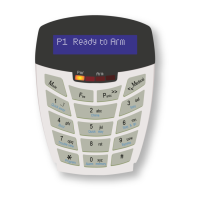
Scroll using the [Panic >>] or [Medical <<] keys to the zone
When complete press the [#] key
This will leave you in the master menu
Note: This can only be seen on an LCD Keypad.
Bi-directional Remote Transmitters
The Xwave
2
hub has a remote transceiver for all Xwave
2
bi-directional remote transmitters built in. The
receiver will communicate bi-directionally with learnt remote transmitters to give feedback on any instructions
received from the remote transmitters. Each hub can learn up to 16 bi-directional remotes.
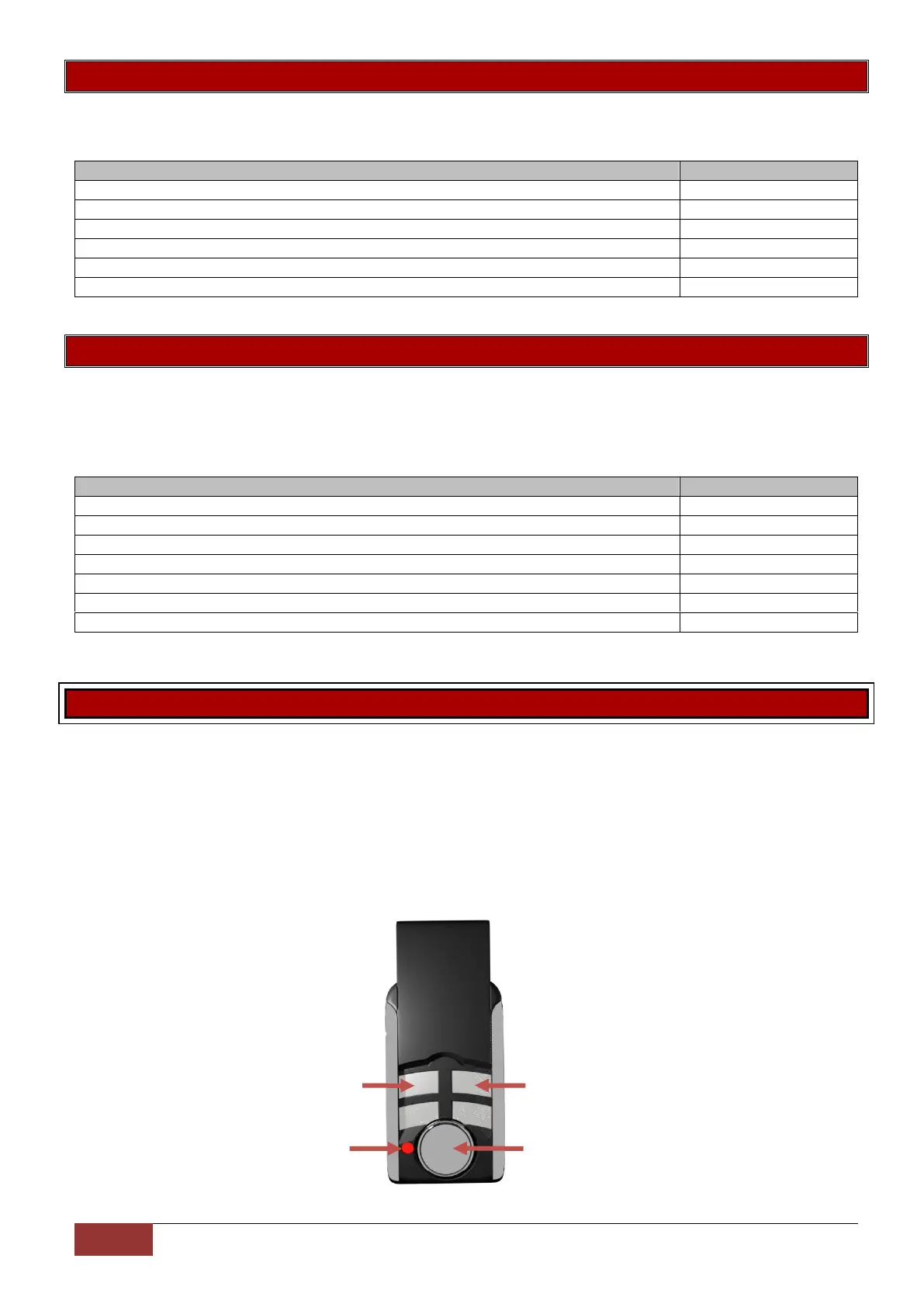
Default Button Assignment:
Button 2 = Stay Arm
Button 3 = Arm / Disarm
Any button held down for more than three seconds will cause a panic to trigger


 To Next Page
 Loading...