Ce document est la propriété d’IER et ne doit pas être reproduit ou communiqué sans autorisation écrite.
This document is the property of IER and may not be reproduced or communicated
without prior written authorization
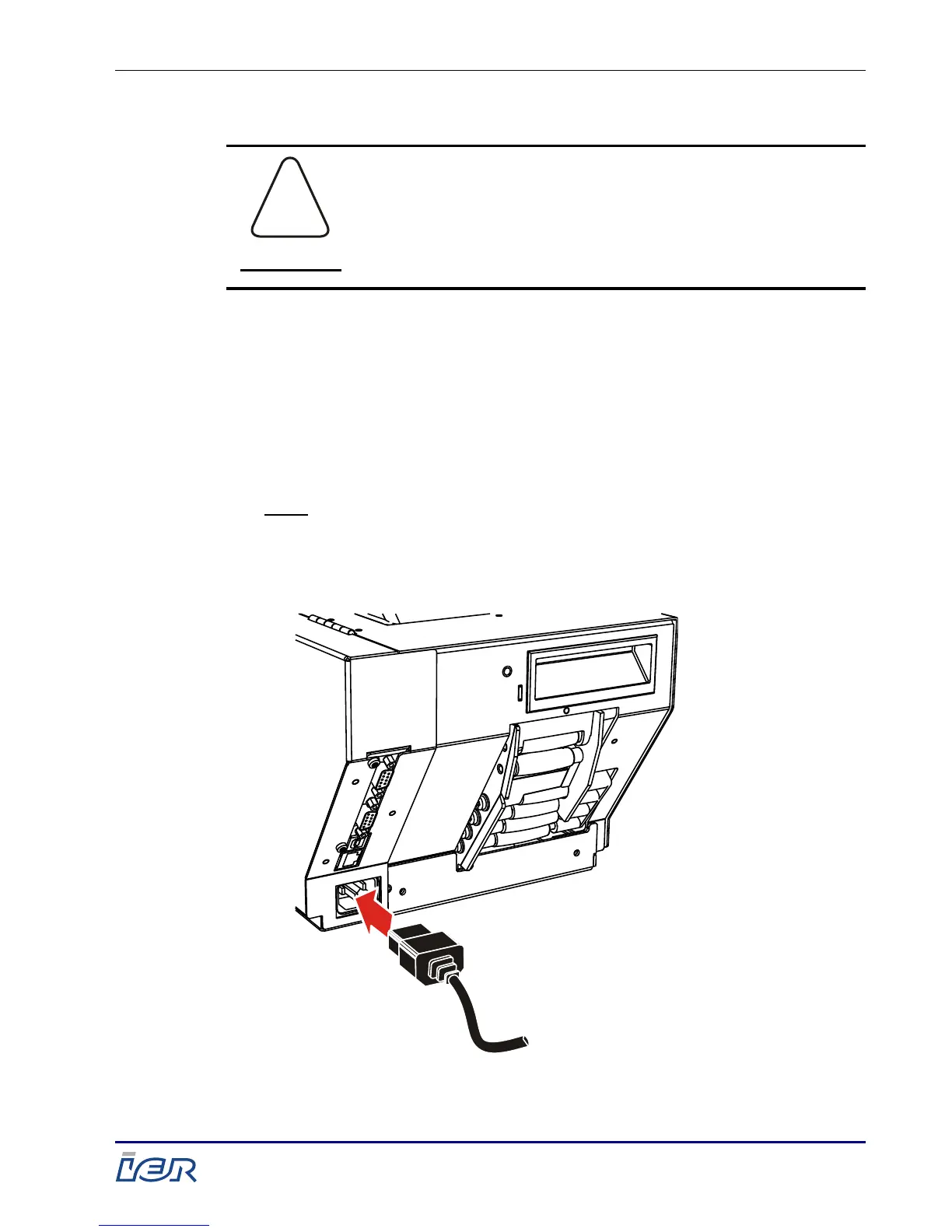
2.1.1.1. Electrical Connection
Follow the connection steps chronologically.
Ensure that the printer power switch is set to
the Off position (0-position).
Plug the power cord into the power connector
located at the rear of the printer.
Plug the other end of the power
cord into a power outlet.
Note: The IER 560 printer automatically adapts to the power
voltage used, provided it is within the authorized
voltage range (see user safety guide
IER N0C9SEA, shipped with the printer).



 To Next Page