Ce document est la propriété d’IER et ne doit pas être reproduit ou communiqué sans autorisation écrite.
This document is the property of IER and may not be reproduced or communicated
without prior written authorization
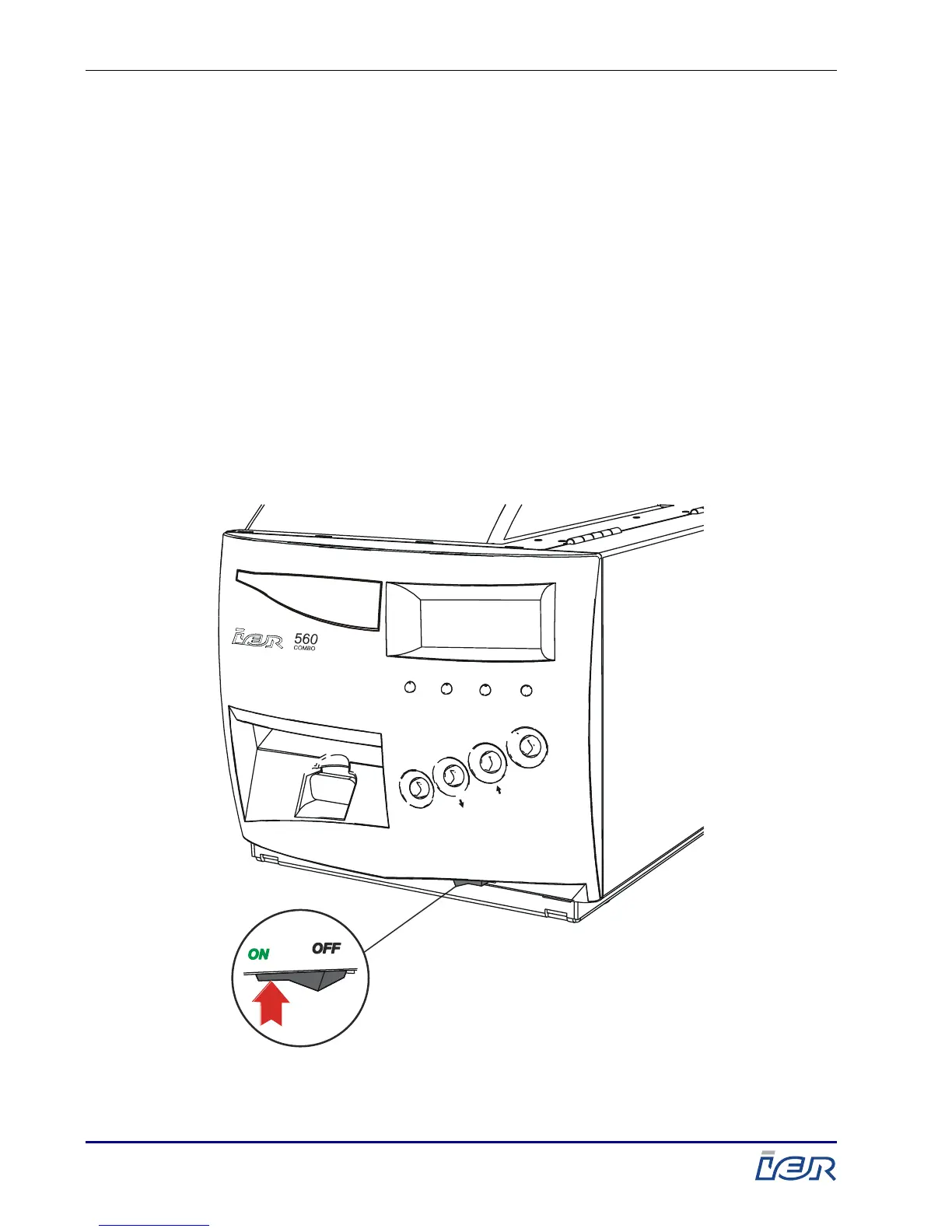
2.2. POWERING UP THE PRINTER
2.2.1. POWERING UP THE PRINTER
At the front of the printer, set the power switch to the I-
position.
When powering up, the printer begins initialization.
The length of initialization may vary according to its
operational status and the type of application:
If the media has not been loaded, the printer displays a
message and produces a beeping sound indicating that
the media needs to be loaded.
If the media is already loaded, the printer is ready
(READY) for printing.



 To Next Page