EasyManua.ls Logo

Ier N0C902A - Out of Paper

Ier N0C902A
60 pages
Print Icon
To Next Page IconTo Next Page
To Previous Page IconTo Previous Page
Loading...
IER 560 COMBO PRINTER
User Guide
Page 51
N0C902A Rev. 2
Sept. 14, 2010
Ce document est la propriété d’IER et ne doit pas être reproduit ou communiqué sans autorisation écrite.
This document is the property of IER and may not be reproduced or communicated
without prior written authorization
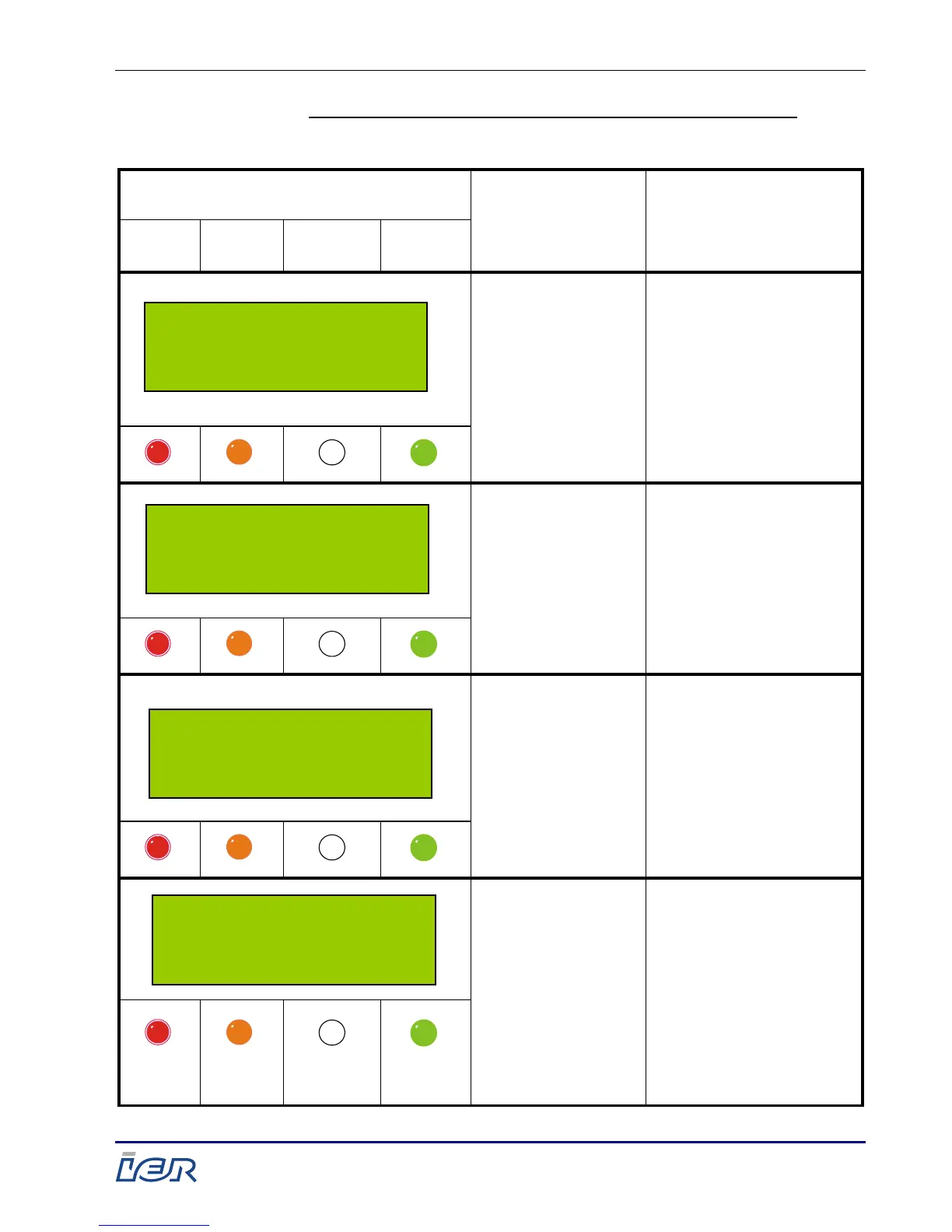
Overview of Indicator Behavior and Printer Messages:
Message and
Indicator States
Cause
Remedy
Alarm
Check
Display
Reception
Online
One of the four
stocks is empty
- Load paper
in the printer
(see page 32).
- Press the
RESET/EJECT key
Paper detection
error
- Unload, then
reload the paper
(see page 42 and
page 32).
- Press the
RESET/EJECT key
Requested
stock is empty
- Load paper
(see page 32).
Paper stock
empty (thus
printing rejected
or interrupted)
- Load paper
(see page 32).
560 READY
BP1 BP 2 BP3 BT
empty
S/N: XXXXXXX
BAD PAPER DETECTION
Please reload
paper bin
S/N: XXXXXXX
OUT OF REQUESTED
PAPER
Please load media
WARNING
OUT OF PAPER
ERR5Oxx

Table of Contents

Related product manuals