Ce document est la propriété d’IER et ne doit pas être reproduit ou communiqué sans autorisation écrite.
This document is the property of IER and may not be reproduced or communicated
without prior written authorization
4 PRINTER OPERATION
4.1. INDICATOR AND KEY FUNCTIONS
4.1.1. MEANING OF THE INDICATOR BEHAVIOR
The behavior of the printer's four control panel indicators
indicates the printer's operational status and the errors that
may occur during printing.
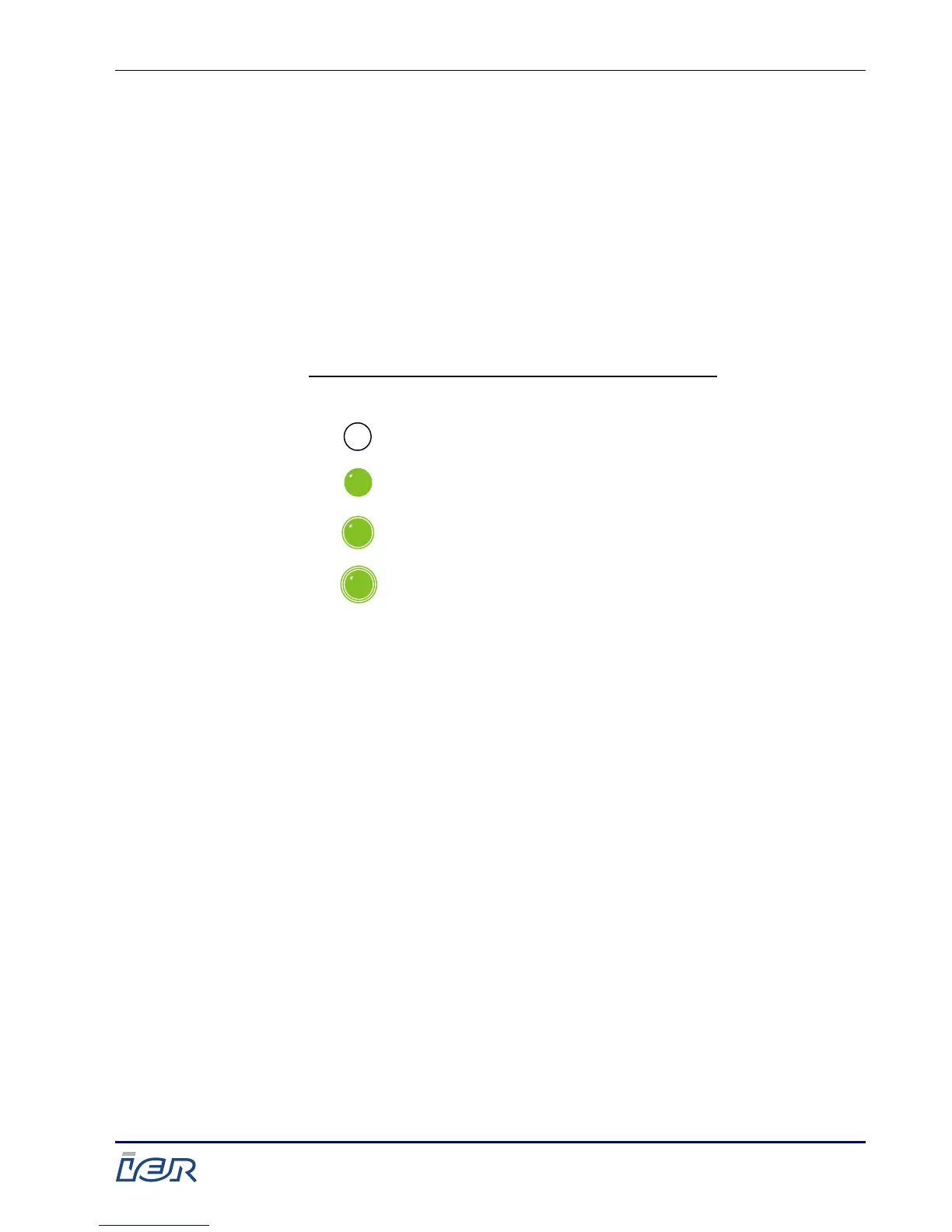
Illustration of possible printer indicator states:



 To Next Page