56
ifm Programming Manual ecomatmobile BasicController (CR0403) Runtime System V03.02 2015-04-01
Configurations Variables
>
4.5 Variables
Retain variables ................................................................................................................................... 56
Network variables ................................................................................................................................ 57
3130
In this chapter you will learn more about how to handle variables.
14486
The device supports the following types of variables:
Declaration place
Validity area
Memory behaviour
local
in the declaration part of the function
element (POU)
Only valid in the function element
(POU) where it was configured.
volatile
local retain nonvolatile
global
In [Resources] > [Global Variables] >
[Globale_Variables]:
Valid in all function elements of this
CODESYS project.
volatile
global retain nonvolatile
Network
In [Resources] > [Global Variables] >
declaration list
Values are available to all CODESYS
projects in the whole network if the
variable is contained in its declaration
lists.
volatile
Network retain nonvolatile
→ CODESYS programming manual
→ ecomatmobile DVD "Software, tools and documentation"
>
4.5.1 Retain variables
8672
Retain variables can be saved automatically in a protected memory area and be reloaded
automatically during a reboot.
14166
Typical applications for retain variables are for example:
• operating hours which are counted up and retained while the machine is in operation,
• position values of incremental encoders,
• preset values entered in the monitor,
• machine parameters,
i.e. all variables whose values must not get lost when the device is switched off.
All variable types, also complex structures (e.g. timers), can be declared as retain.
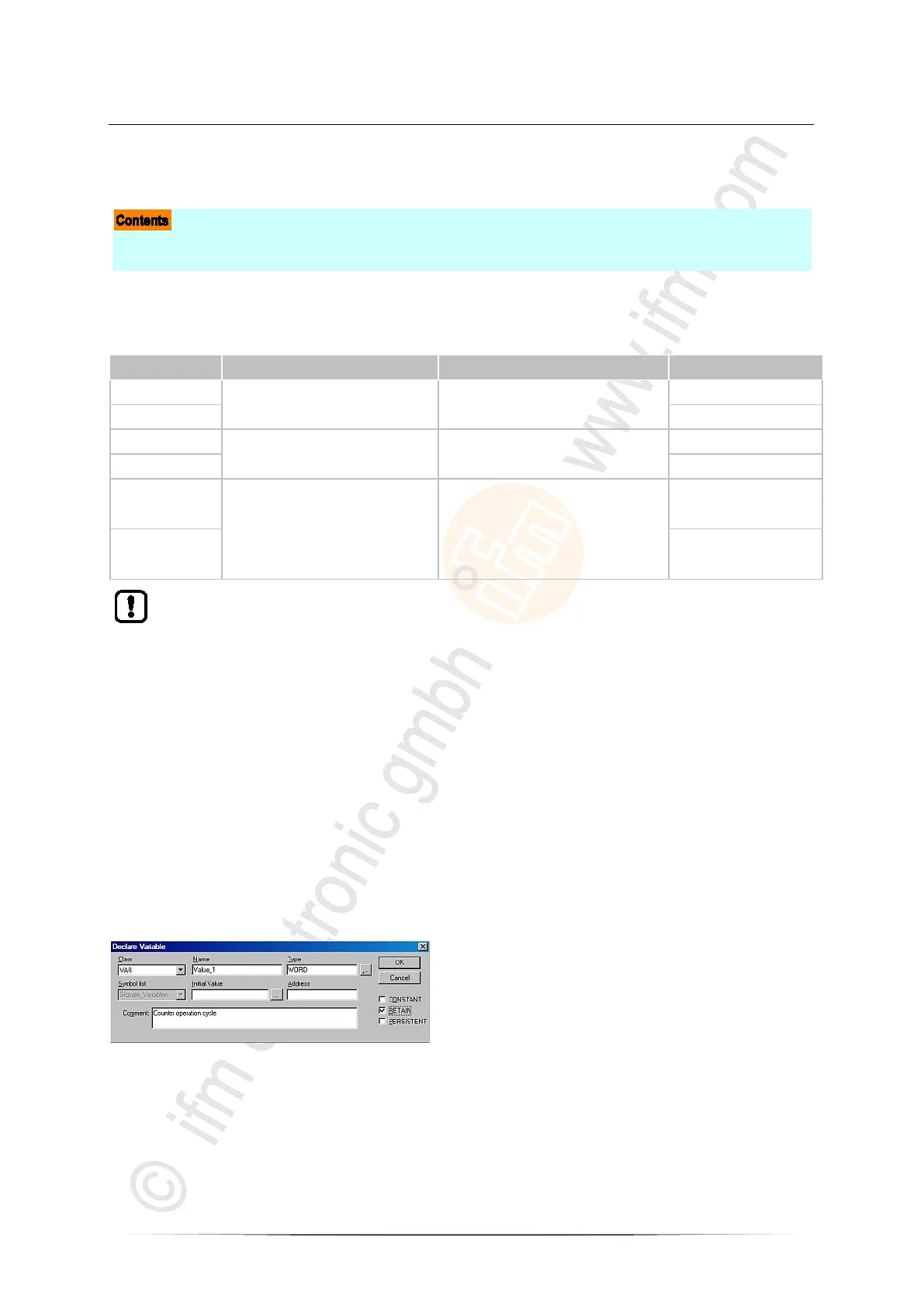
► To do so, activate the control field [RETAIN] in the variable declaration (→ window).



 To Next Page