26
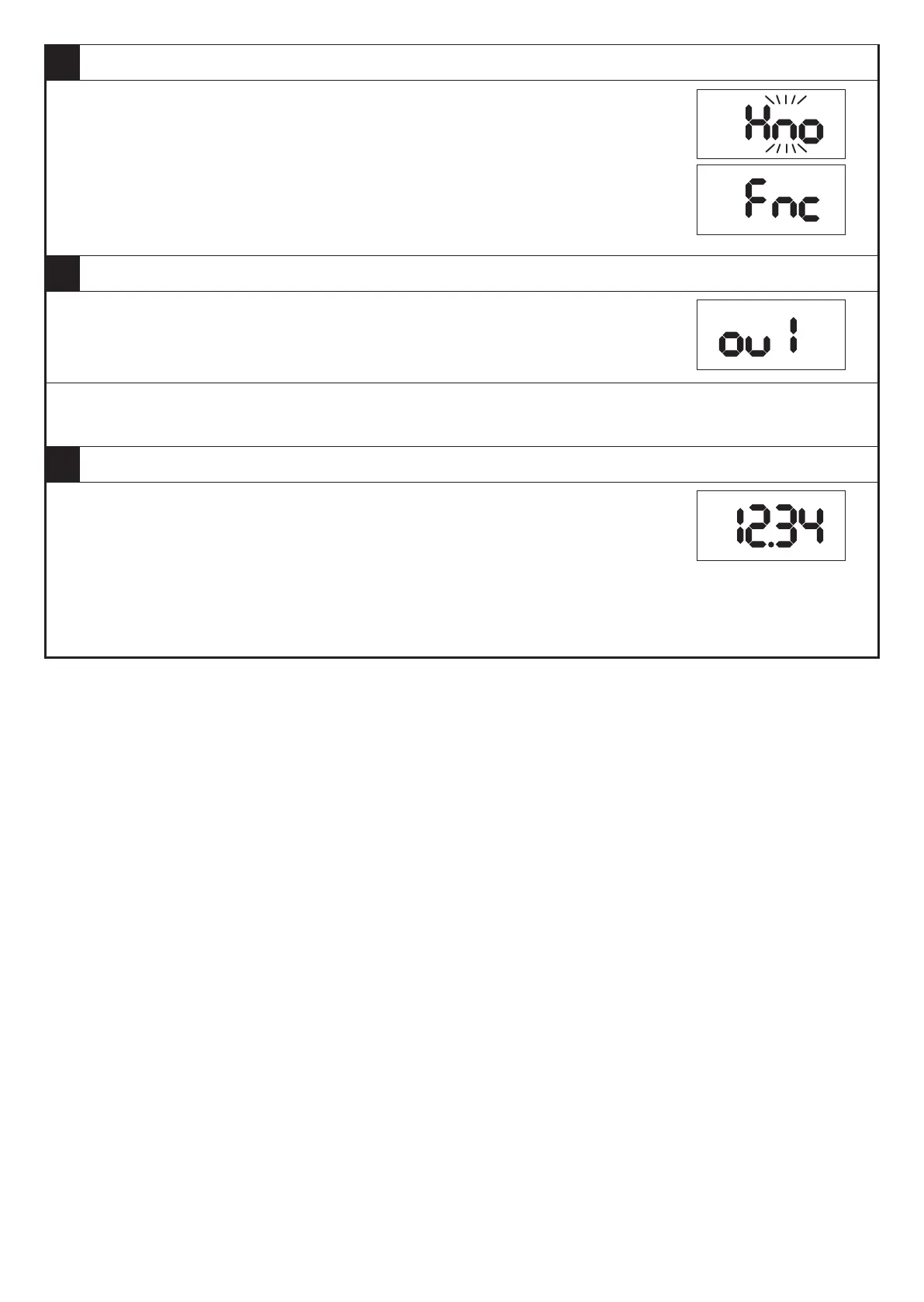
4 Select or change the parameter value (here e�g� [Fnc])�
► Press [▼] or [▲] for min. 2 s.
> The currently set parameter value flashes (here e�g� [Hno])�
> After 2 s�:
- value is changed continuously by keeping the button pressed�
- value is changed incrementally by pressing the button once�
Numerical values (→ 9.3.4)
5 Acknowledge the set parameter value�
► Briefly press [●].
> The parameter is displayed again�
> The new setting value is saved�
Setting of other parameters:
► Press [▼] or [▲] until the requested parameter is displayed.
6 Return to the operating mode�
► Press [esc]�
- Press [▼] or [▲] several times until the current measured value
is displayed�
- Or wait for the timeout function (approx� 30 s)�
> The device is again in the operating mode�
> The current value is displayed�
9.3 Notes on programming
9.3.1 Lock / unlock
The device can be locked electronically to prevent unauthorised setting�
Set parameter values and settings can be displayed but not changed�
To lock the device:
► Make sure that the device is in the normal operating mode�
► Press [esc] + [▲] simultaneously for 10 s.
> [Loc] is displayed�
> Device is locked�
> [Loc] is briefly displayed if you try to change parameter values�
For unlocking:
► Press [esc] + [▲] simultaneously for 10 s.
> [uLoc] is displayed�
On delivery the device is not locked�


 To Next Page