13
PC INSTALLATION AND CONNECTION (CONTINUED)
MANUAL INSTALLATION
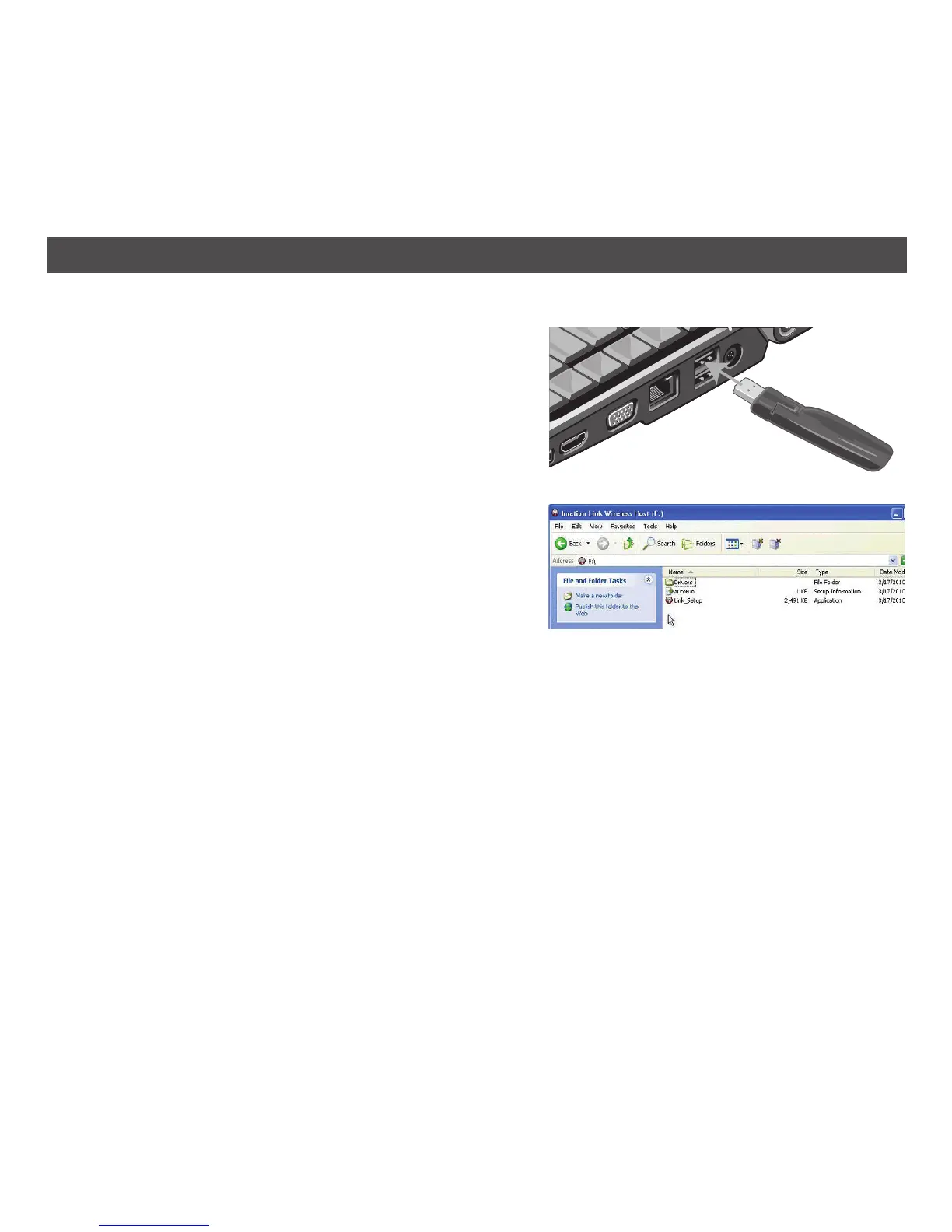
If your PC is not set to auto play, after connecting the
Link™ USB transmitter to the computer as advised on
page 8, you must manually start the install as follows:
1. The Link transmitter will be displayed under My
Computer as removable storage and named
Imation Link A/V Extender. Open the removable
storage device on your computer by double-
clicking on the device name.
2. Double-click on Link_Setup. If the User Account
Control window opens, click Continue.
Then follow steps 3 through 8 as described on
pages 9-11 to complete the installation.


 To Next Page