35
UNINSTALLING THE SOFTWARE – MACINTOSH
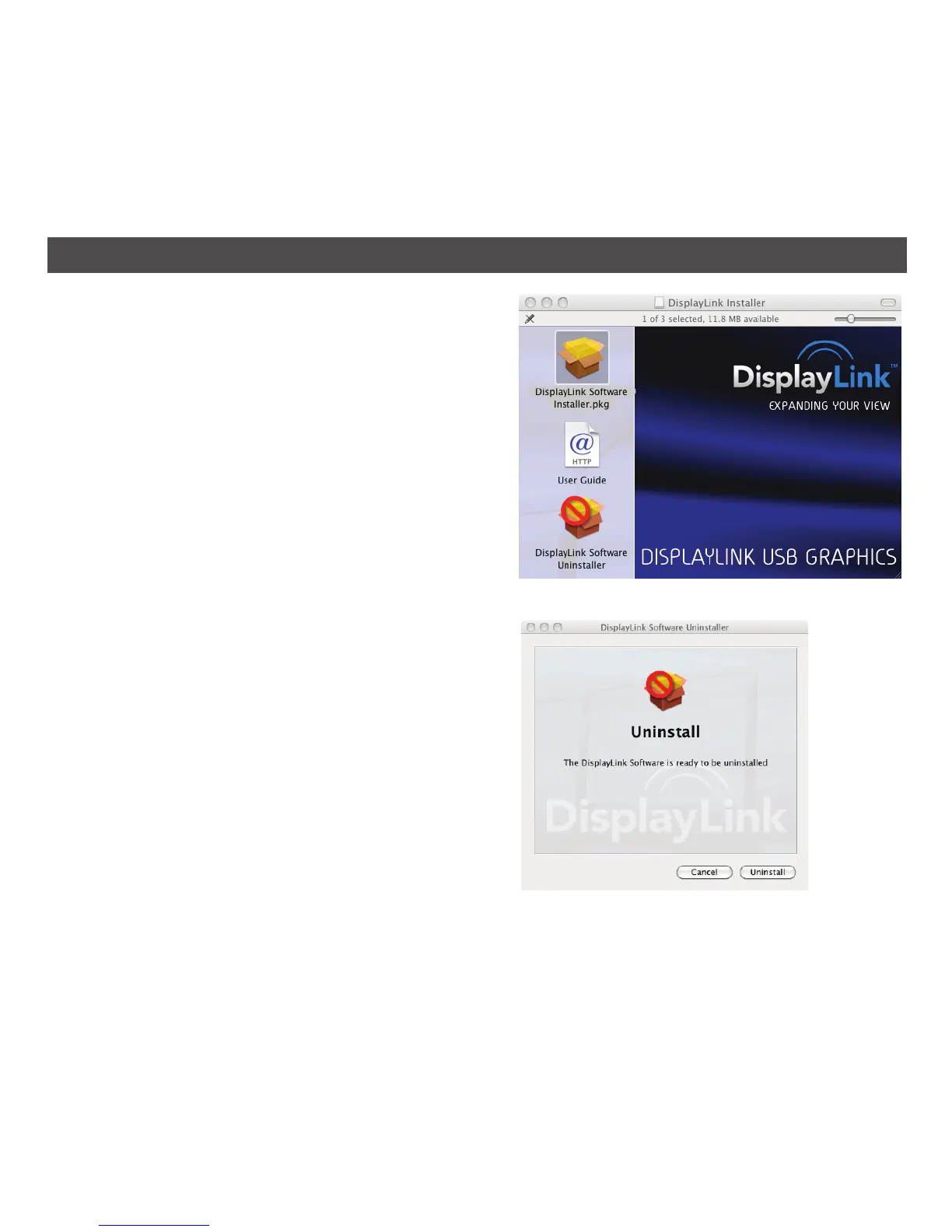
1. Insert the CD ROM and double-click on the
application, DisplayLink-OSX-1.5.
2. Click on DisplayLink Software Uninstaller.
3. Click Uninstall at the Display Link Uninstall
window.
You may be asked to enter your computer’s
username and password.
4. The unit will then uninstall the software and you
must click Restart to restart the computer.


 To Next Page