29
PAIRING MULTIPLE LINK™ RECIEVERS (CONTINUED)
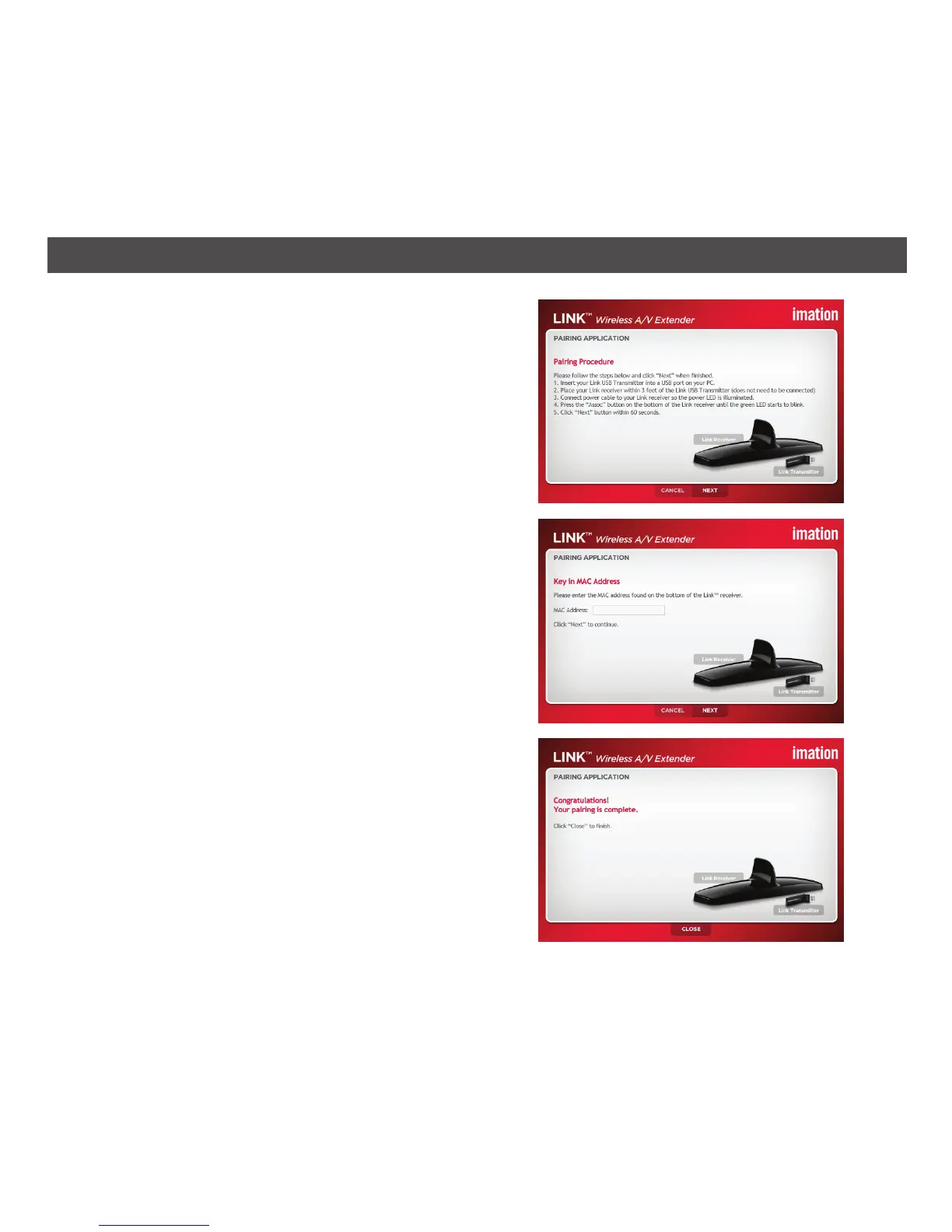
5. Press and hold the ASSOC button for three
seconds until the GREEN LED on the front of
the Link receiver flashes. You will then have 60
seconds to click the NEXT button to complete
the pairing process.
6. The Key in MAC Address window will appear.
Enter the Link receiver’s MAC address, which
is found on the bottom of the unit and then
click Next.
7. The Congratulations! window will appear and
the new Link receiver will now be paired with
the existing Link USB transmitter. Click Close.


 To Next Page