iNetVu Troubleshooting Guide - 1201 Flyaway
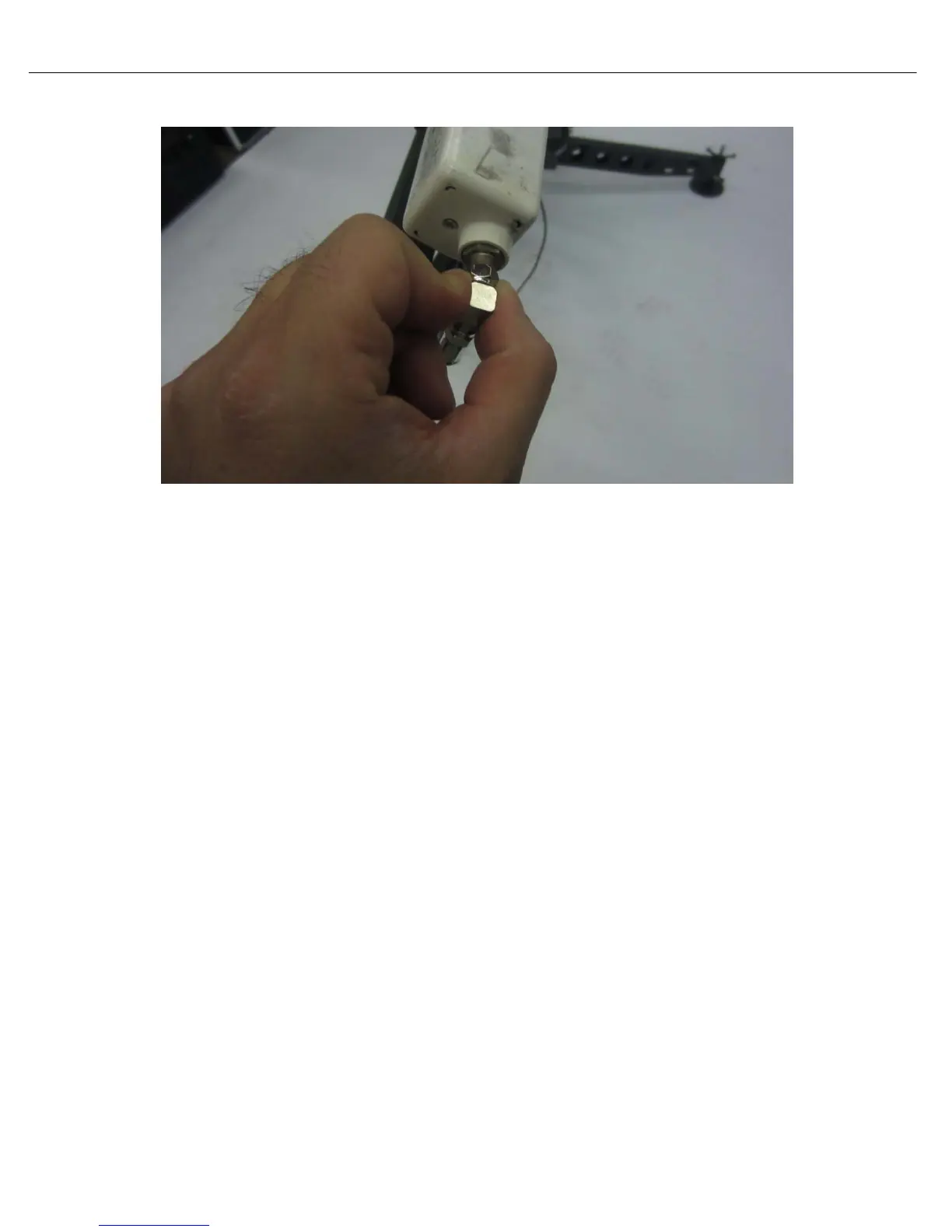
16) Connect cable labelled TX to BUC and RX to LNB.
17) Open Controller box (if applicable) back cover and connect external cables (Motor, Sensor and
RX/TX cables). Also connect power, USB and LAN cable if required.
18) Power on iNetVu
®
controller and launch iNetVu
®
software on your computer/laptop. There should
be no blinking or RED fields on the Controls screen.



 To Next Page