10 | Pinpoint Mode INFICON
18 / 394 074-708-P16A D-TEK Stratus Operating Manual
10 Pinpoint Mode
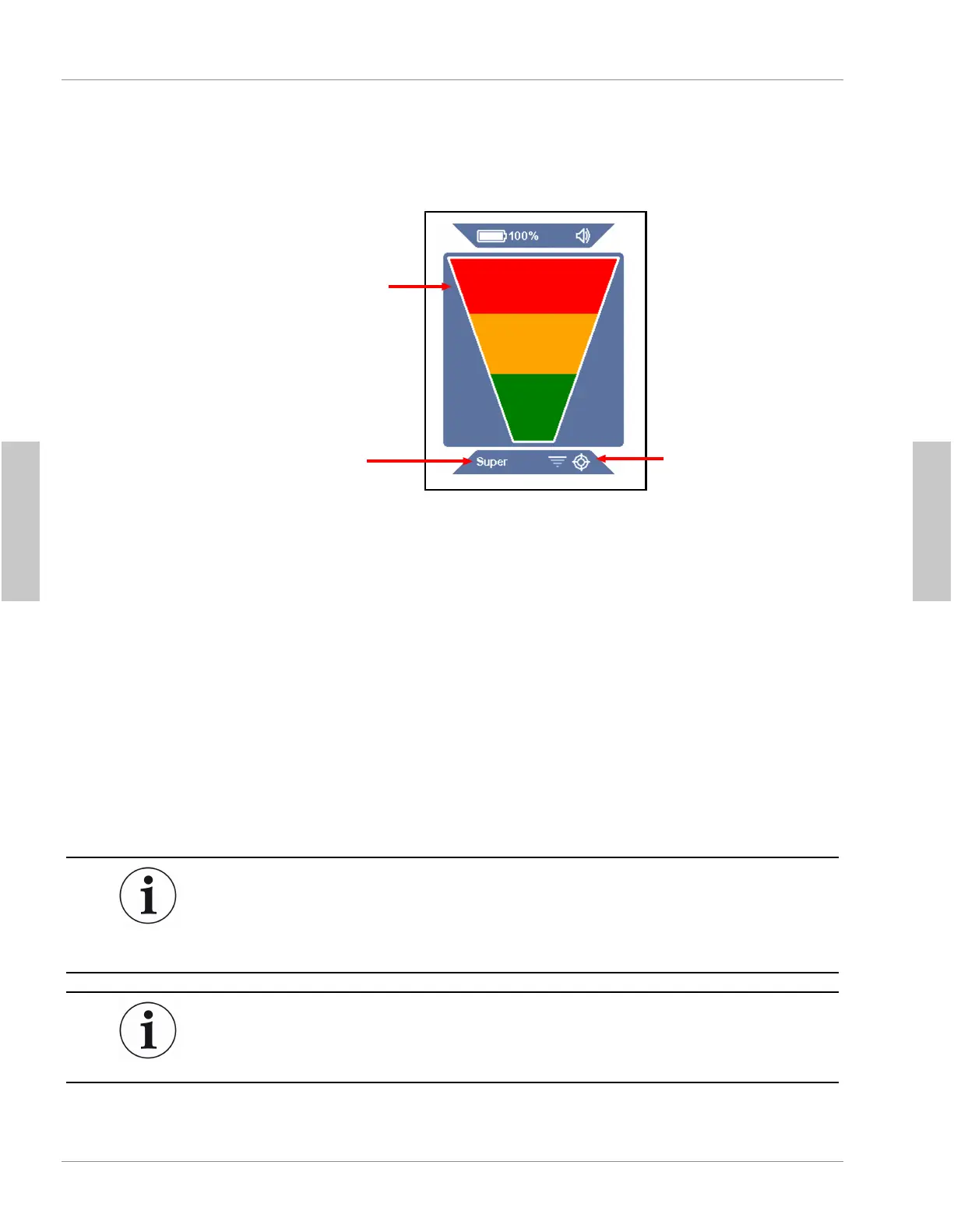
leak indictor
(showing full
alarm)
sensitivity
Pinpoint symbol
Pinpoint
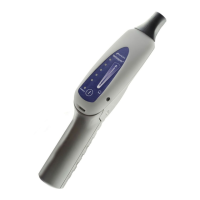
mode is identified by a large leak indicator on the display and a
Pinpoint
symbol on the bottom bar. The current sensitivity is also indicated on the bottom bar.
This mode works like a standard leak detector with auto-zeroing, where the indicator
bars illuminate to indicate when a leak is detected.
1.
Place the tip of D-TEK Stratus as close as possible to the suspected leak (do
not block the air flow).
2.
Slowly move the probe past each possible leak point.
ð If a leak is detected, D-TEK Stratus alarms and the on-screen indicator
illuminates.
3.
When a leak is identified, pull the probe away from the leak for a few seconds
and then recheck the spot to verify the leak.
In
Pinpoint
mode, D-TEK Stratus automatically zeros to the background refrigerant
and only alarms again with a higher concentration of refrigerant. When this occurs,
either continue looking for a higher concentration of refrigerant or move the probe to
an area of lower concentration for a few seconds to reset the zero point.
Press the
SENS/ZERO
button to switch the sensitivity setting. When working with a
large leak, it can be easier to pinpoint the leak location using a lower sensitivity
setting. The current sensitivity is displayed on the bottom bar.
English
English


 To Next Page
 Loading...