IN5316HD/IN5318 – User’s Manual
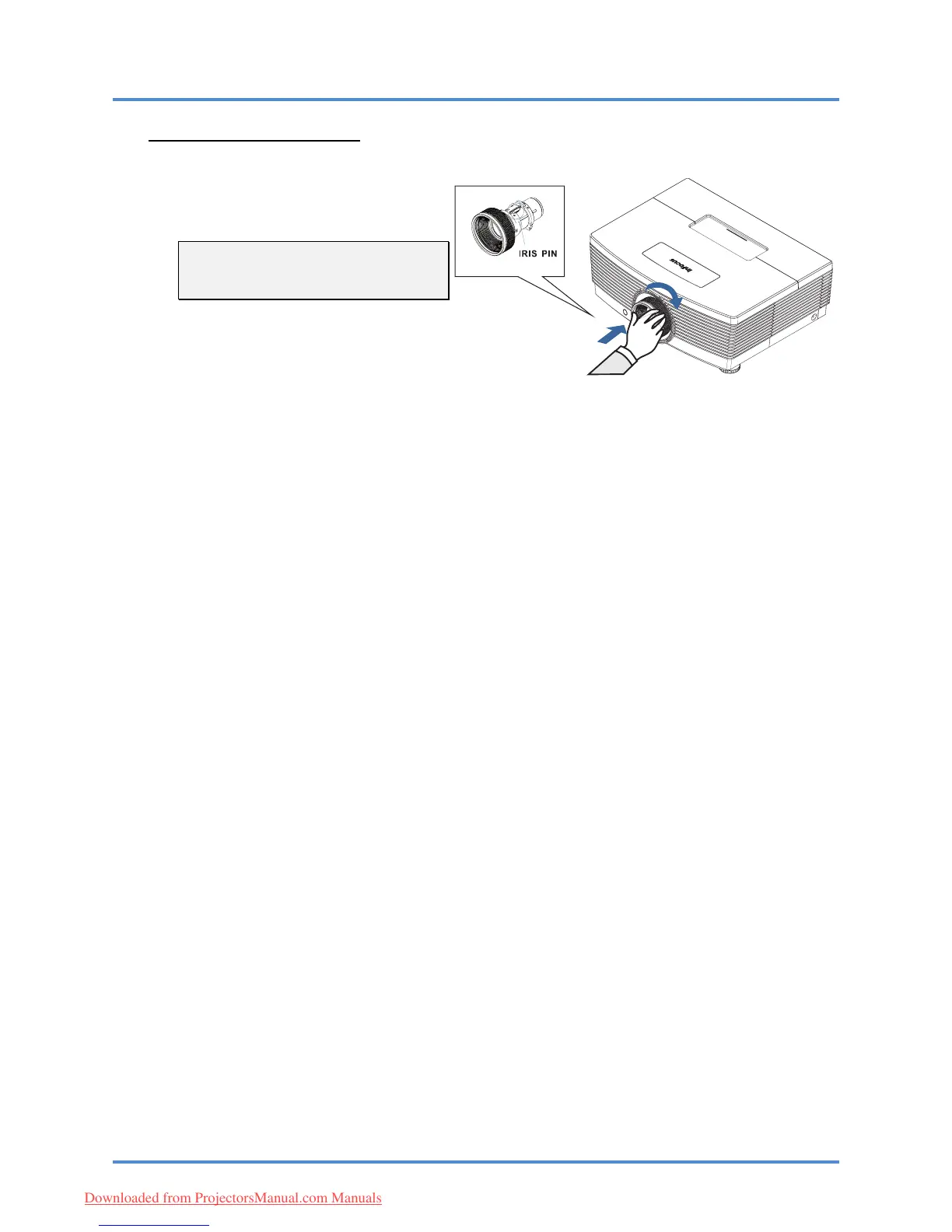
Installing the New Lens
1.
Align the notches and correctly posi-
tion the electrical contact pad as
shown in the picture.
– 11 –
Note:
Pin of IRIS should be in the direction
as shown in the picture.
2.
Rotate the lens clockwise until you
feel it click into place.
Downloaded from ProjectorsManual.com Manuals



 To Next Page