User’s Manual
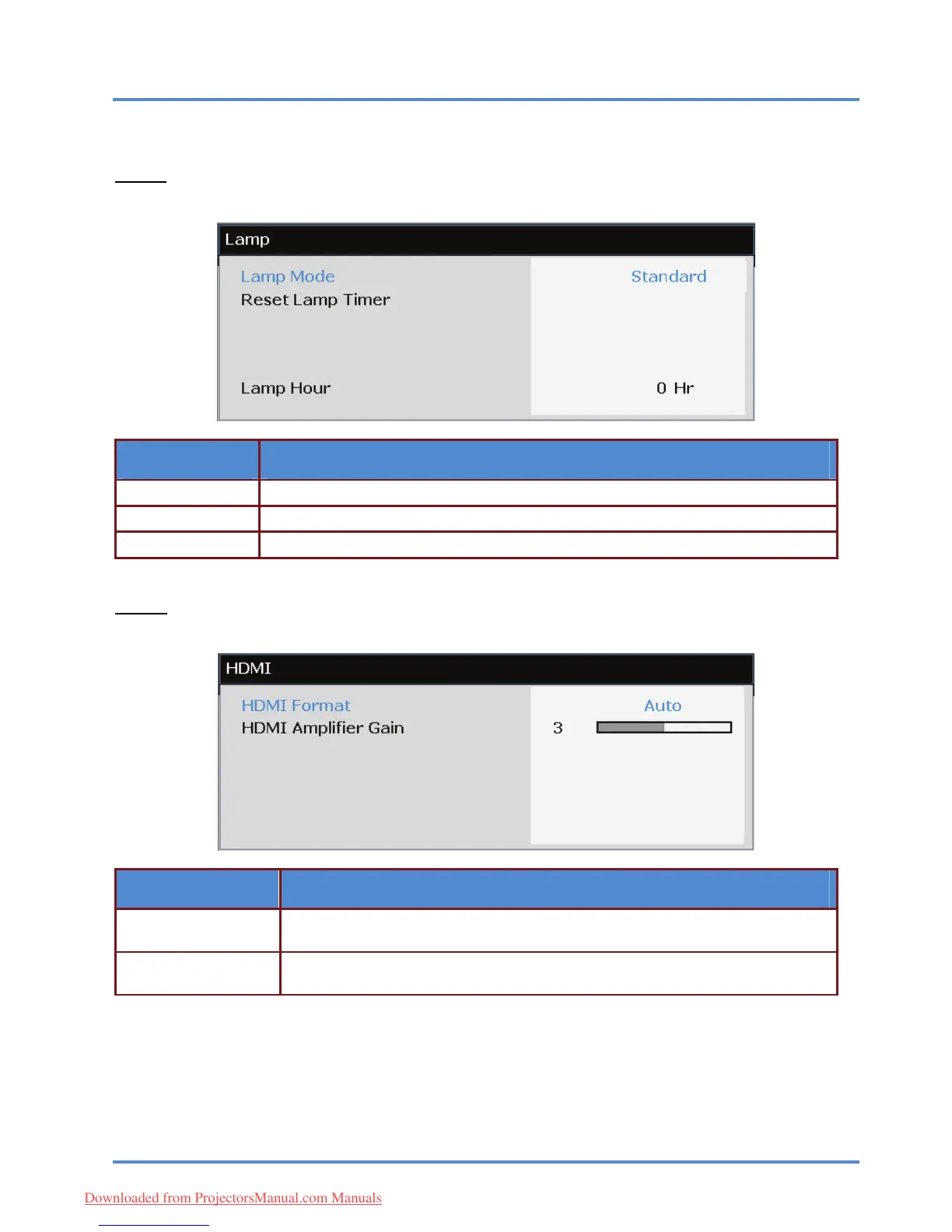
Lamp
Press the ENTER/SELECT button to enter the Lamp sub menu.
ITEM DESCRIPTION
Lamp Mode Press the ◄► buttons to adjust lamp brightness.
Press the ENTER/SELECT button to reset the Lamp Hour after the lamp is replaced. Reset Lamp Timer
Lamp Hour Displays the number of hours the lamp has been in use.
HDMI
Press the ENTER/SELECT button to enter the HDMI sub menu.
ITEM DESCRIPTION
Press the ◄► buttons to select from three HDMI display formats:
Auto/ PC signal/ Video signal.
HDMI Format
Press the ◄► buttons to adjust HDMI Amplifier Gain. Use this feature when using
long HDMI cable runs.
HDMI Amplifier Gain
– 36 –
Downloaded from ProjectorsManual.com Manuals



 To Next Page