IN5316HD/IN5318 – User’s Manual
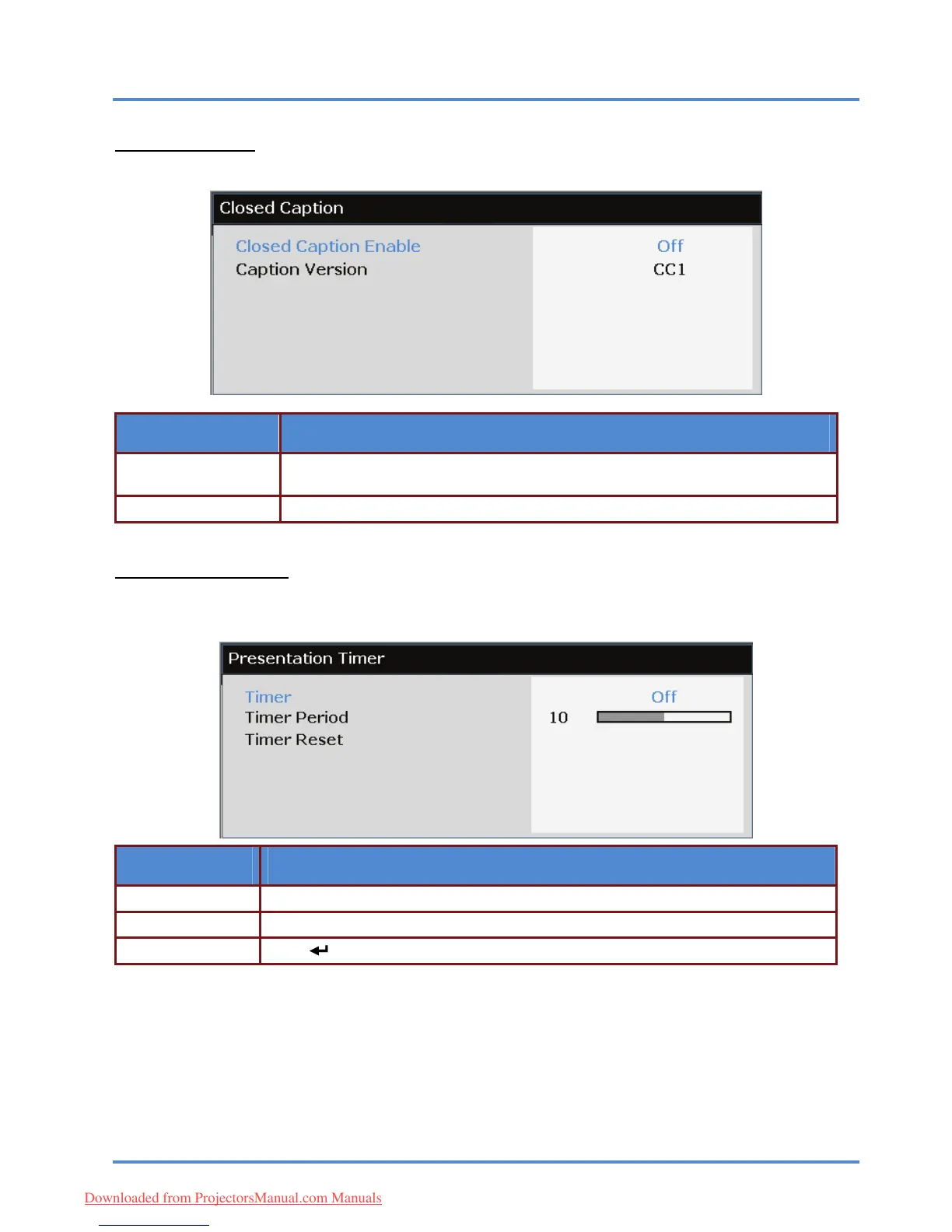
Closed Caption
Press the ENTER/SELECT button to enter the Closed Caption sub menu.
ITEM DESCRIPTION
Closed Caption En-
able
Press the ◄► buttons to turn on o
r off Closed Caption.
Caption Version Press the ◄► buttons to select the Caption Version.
Presentation Timer
The Presentation Timer function can indicate the presentation time on the screen to help you achieve
better time management when giving presentations.
ITEM DESCRIPTION
Timer Press the cursor ◄► button to enable or disable presentation timer.
Timer Period Press the cursor ◄► button to select timer period (1 ~ 60 minutes)
(ENTER/SELECT) / ► to reset the timer settings. Timer Reset Press
– 37 –
Downloaded from ProjectorsManual.com Manuals



 To Next Page